-
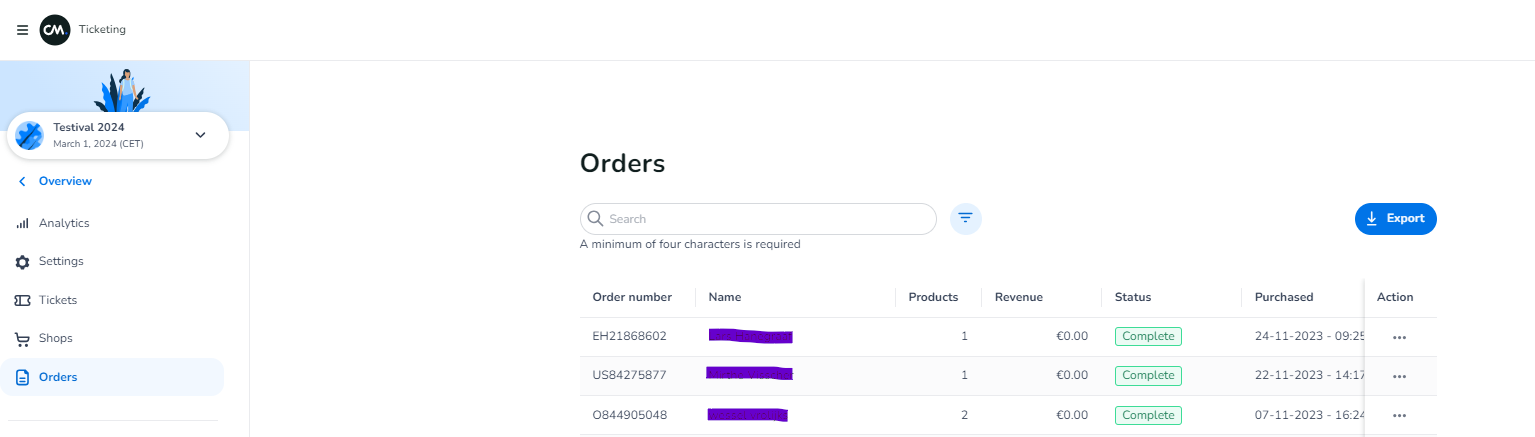
Go to Orders
-
Click the export icon to export the data
-
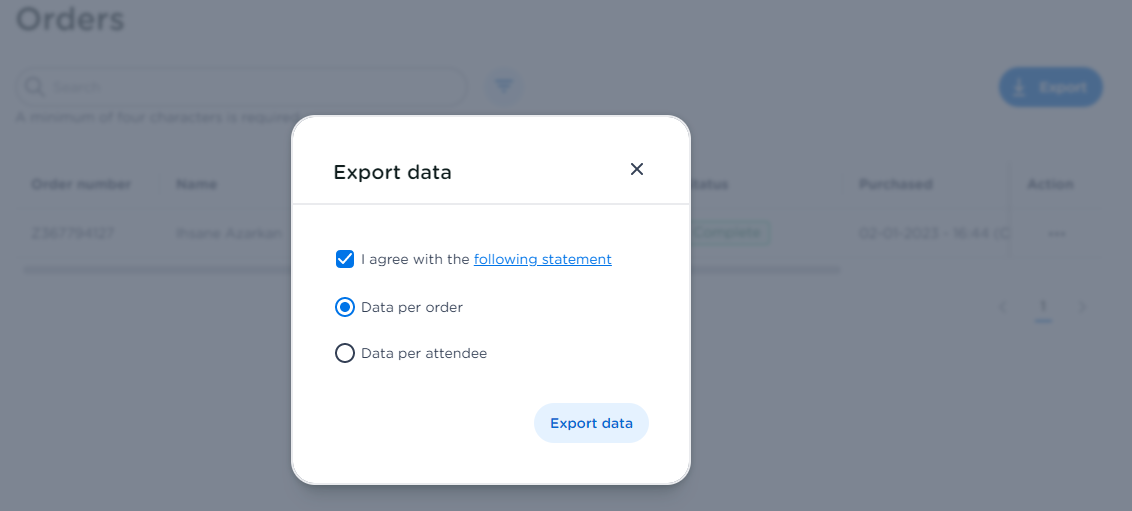
You can choose to export data per order or per attendee (ticket).
-
You can open the downloaded excel file

Go to Orders
Click the export icon to export the data
You can choose to export data per order or per attendee (ticket).
You can open the downloaded excel file