
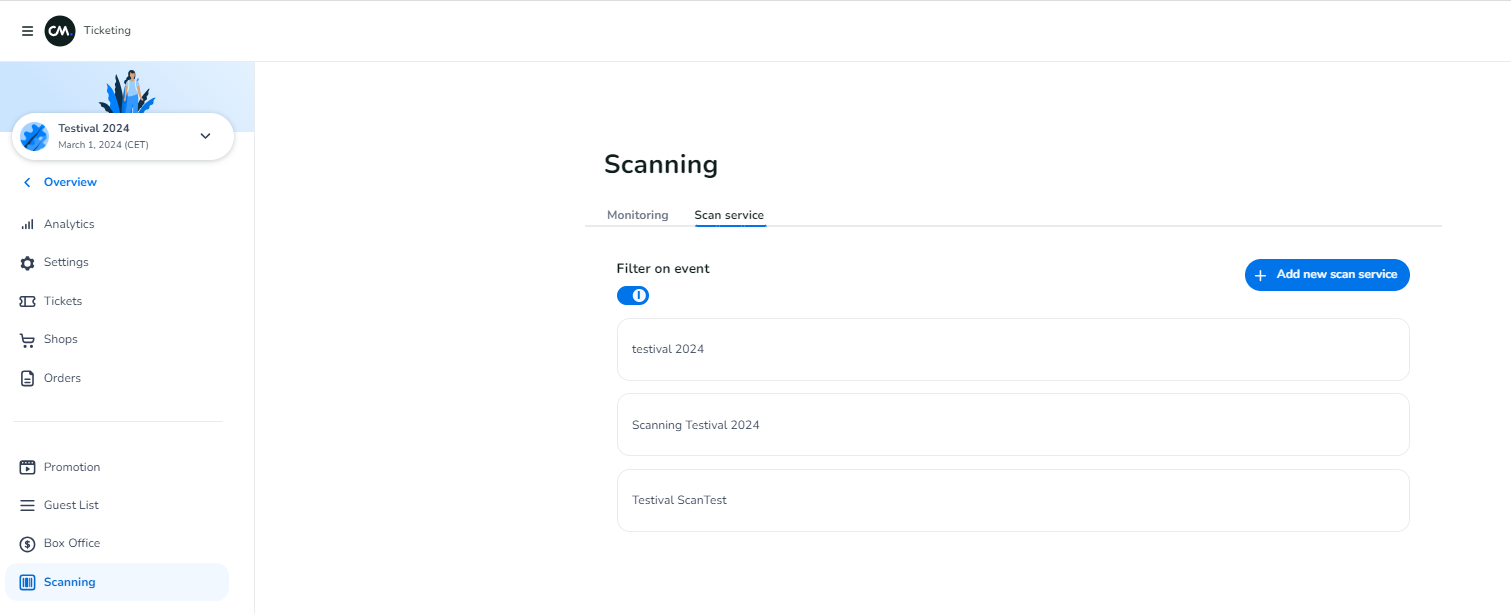
When you enter the ticketing dashboard you go to the left menu and scroll down to scanning. You now need to follow the next steps:
-
Press the blue plus button in the right corner to create a new scan account.
-
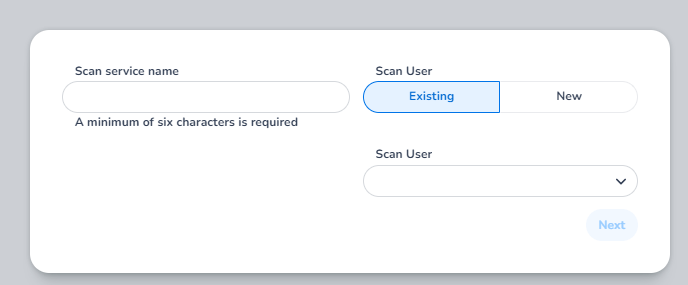
Then enter the scan service name, and choose to use an existing scan user credentials or create a new one:
-
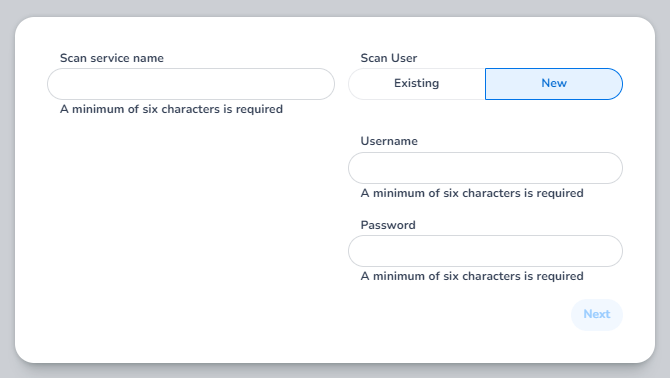
For new scan user: you must enter a username + password
-
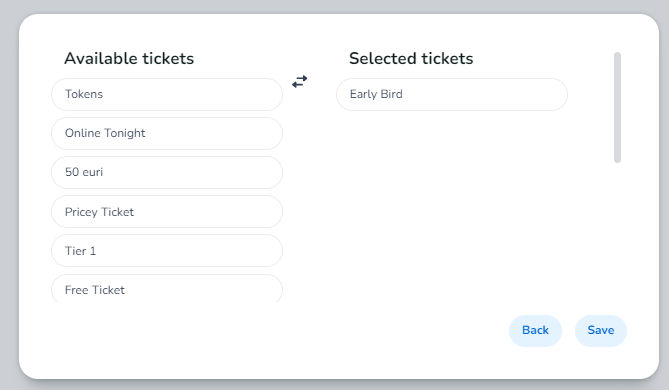
In the next step you can choose which tickets should be able to be scanned on that account, by pressing a ticket type it will move to ''selected tickets'' and thus become scanable.
-
After this you can press save and you are done.