
1. Setup In Channable Portal
-
Select the project from dashboard.
-
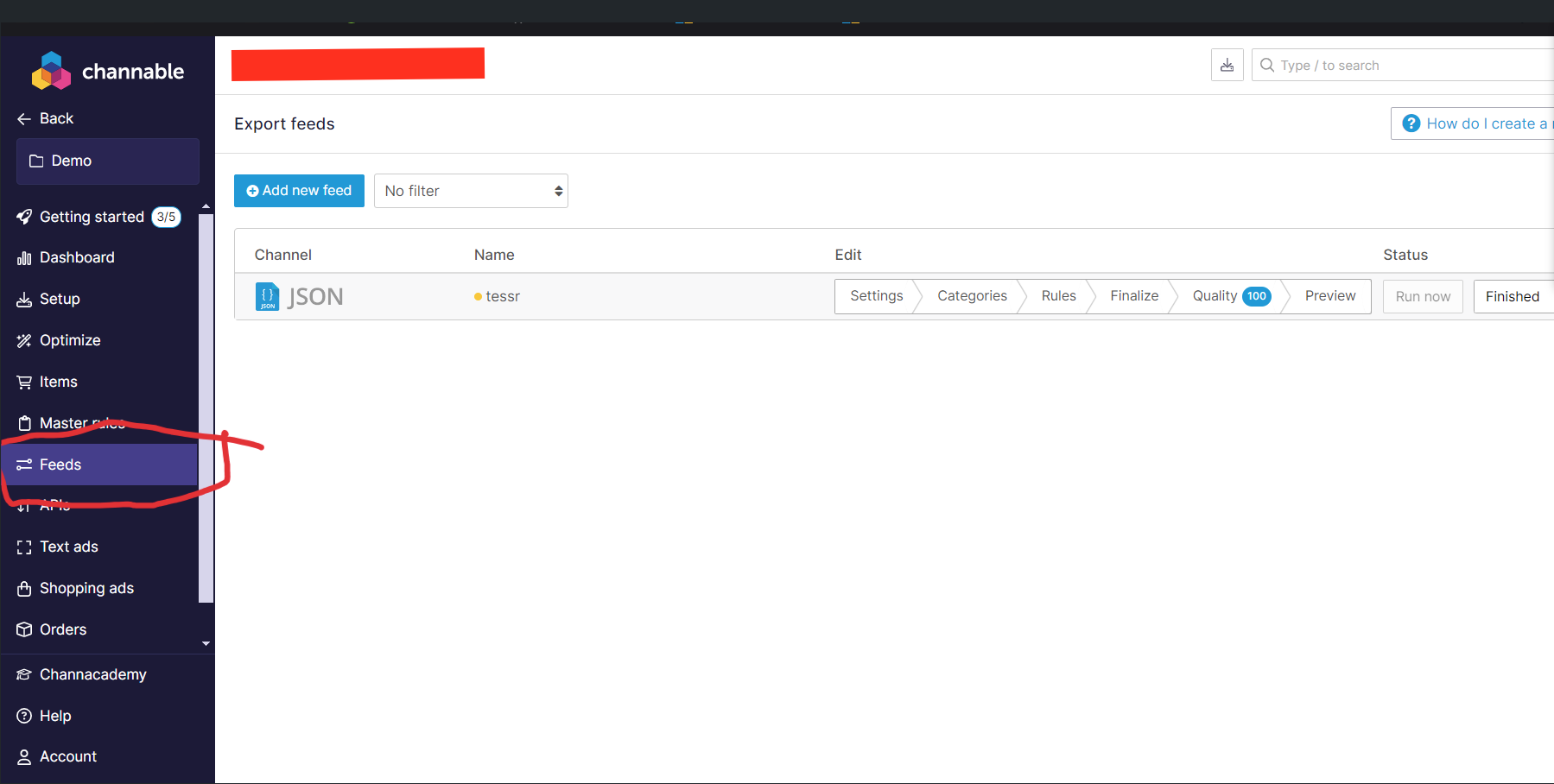
From Left Sidenav bar, Navigate to Feed and click on Add New Feed Button
-
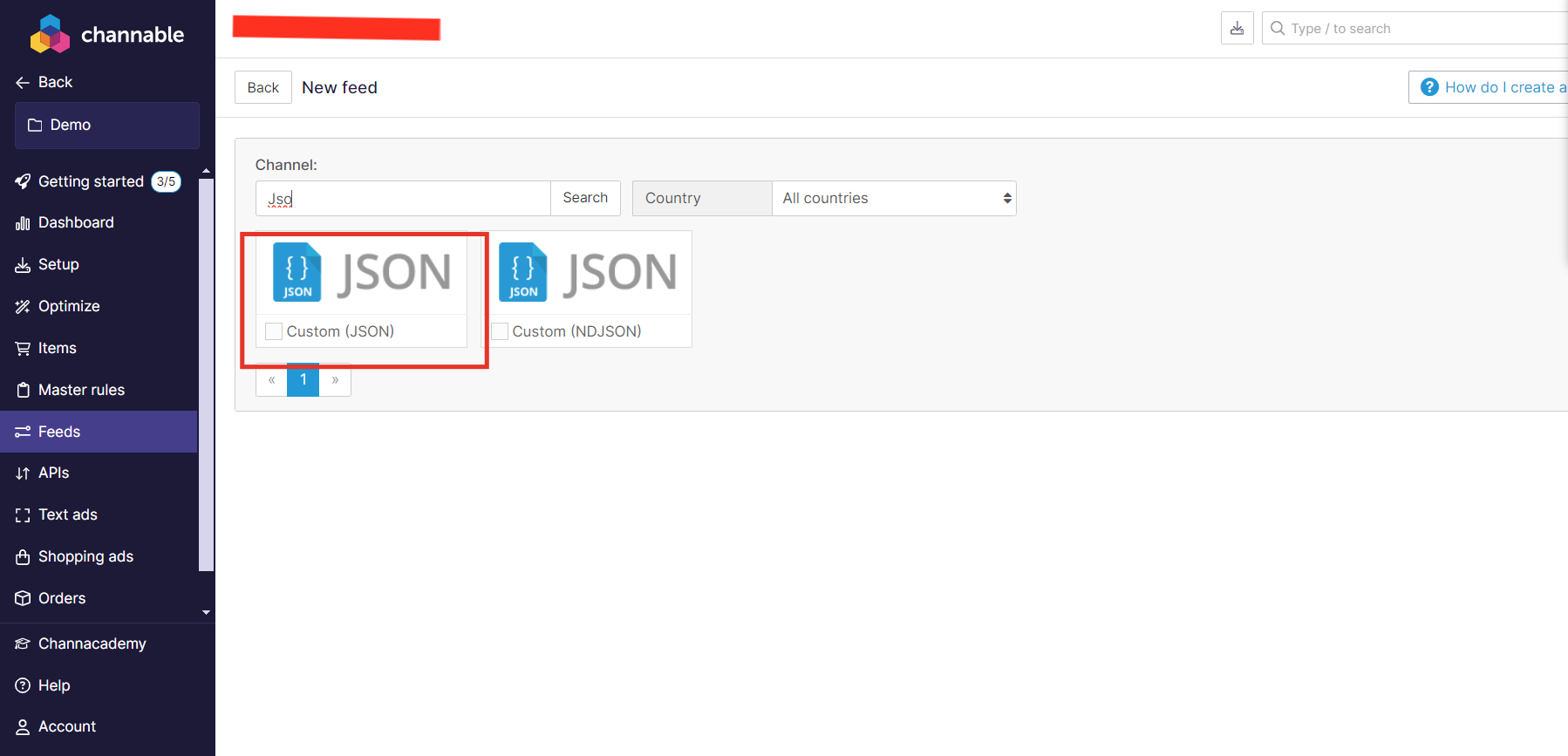
In Search bar, search for “JSON” and select
Custom (JSON)
-
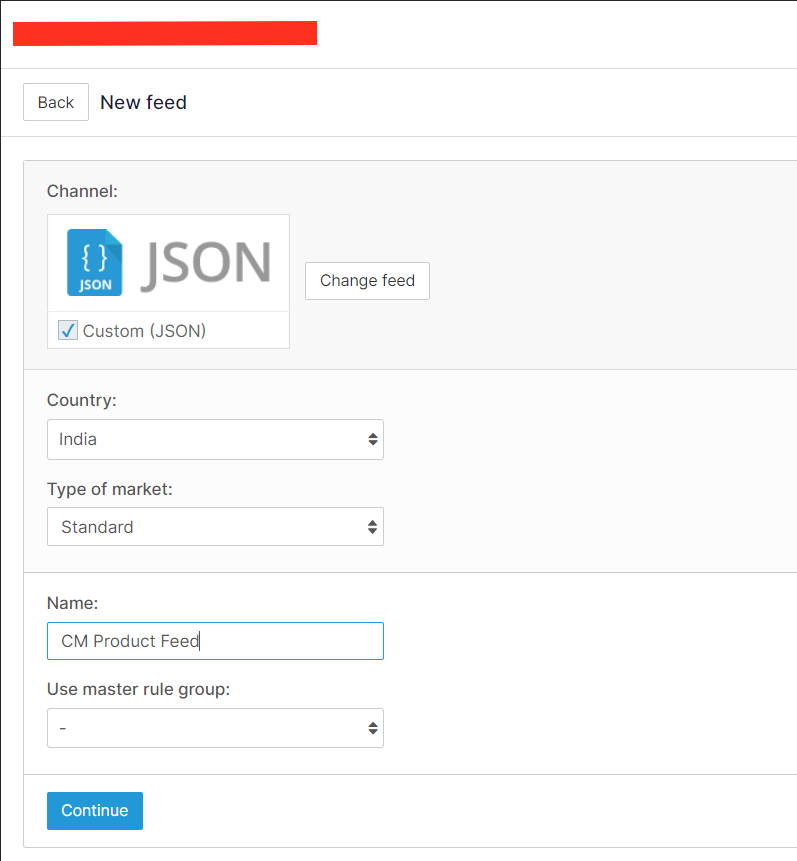
Enter the name and select rule group (if any)
-
If wanted configure
RuleandCategories -
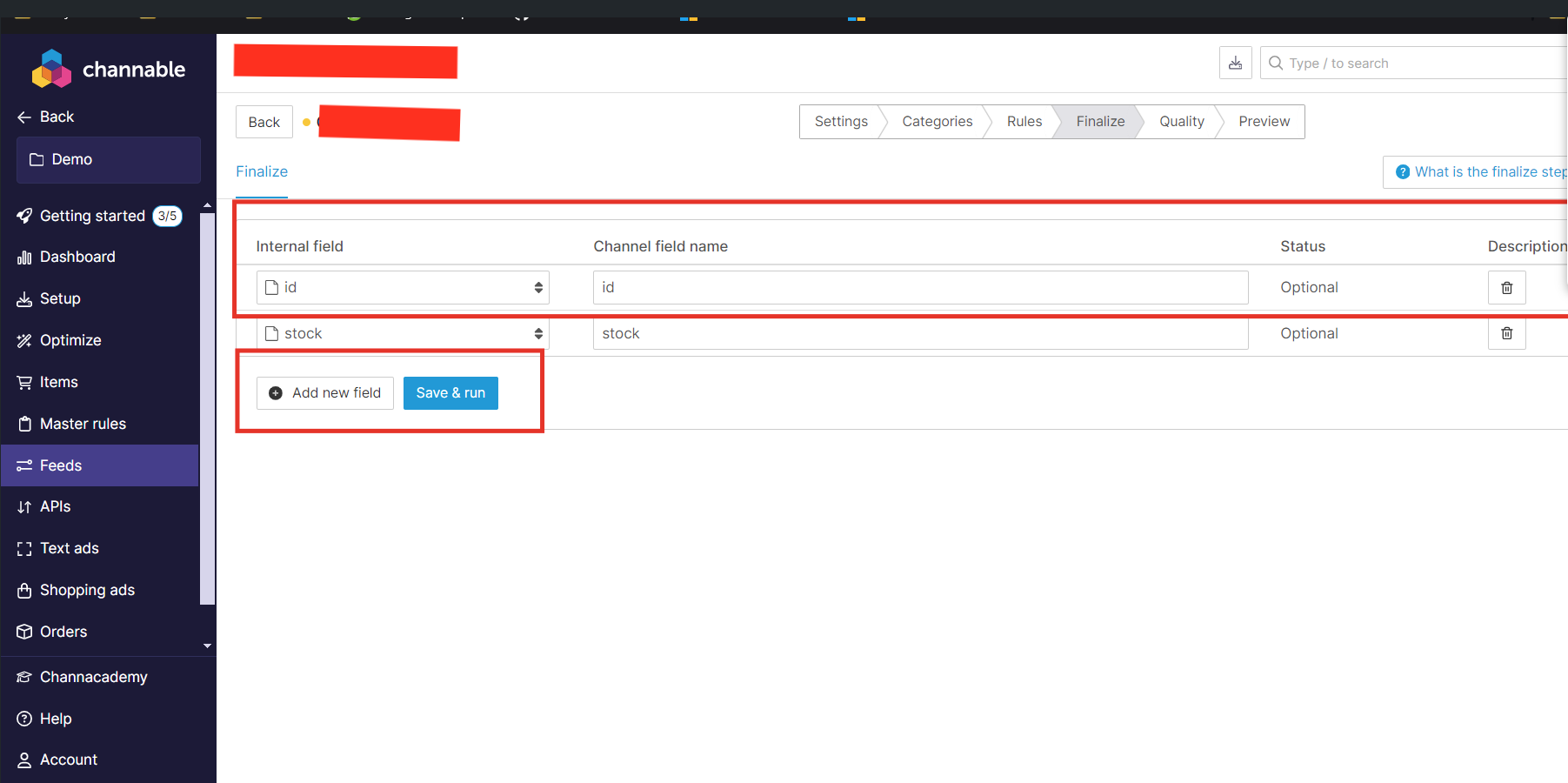
In
Finalizesection, add all the field which customer wants to sync it with product feed.
-
In
PreviewTab, please review the JSON Response, If it is not same as expected, then make changes inFinalizeTab -
Copy the property (or Field name) from JSON which contains Unique ID. (It will be required for creating integration in marketplace)
-

Finally, Copy the External public LINK for this JSON Feed.