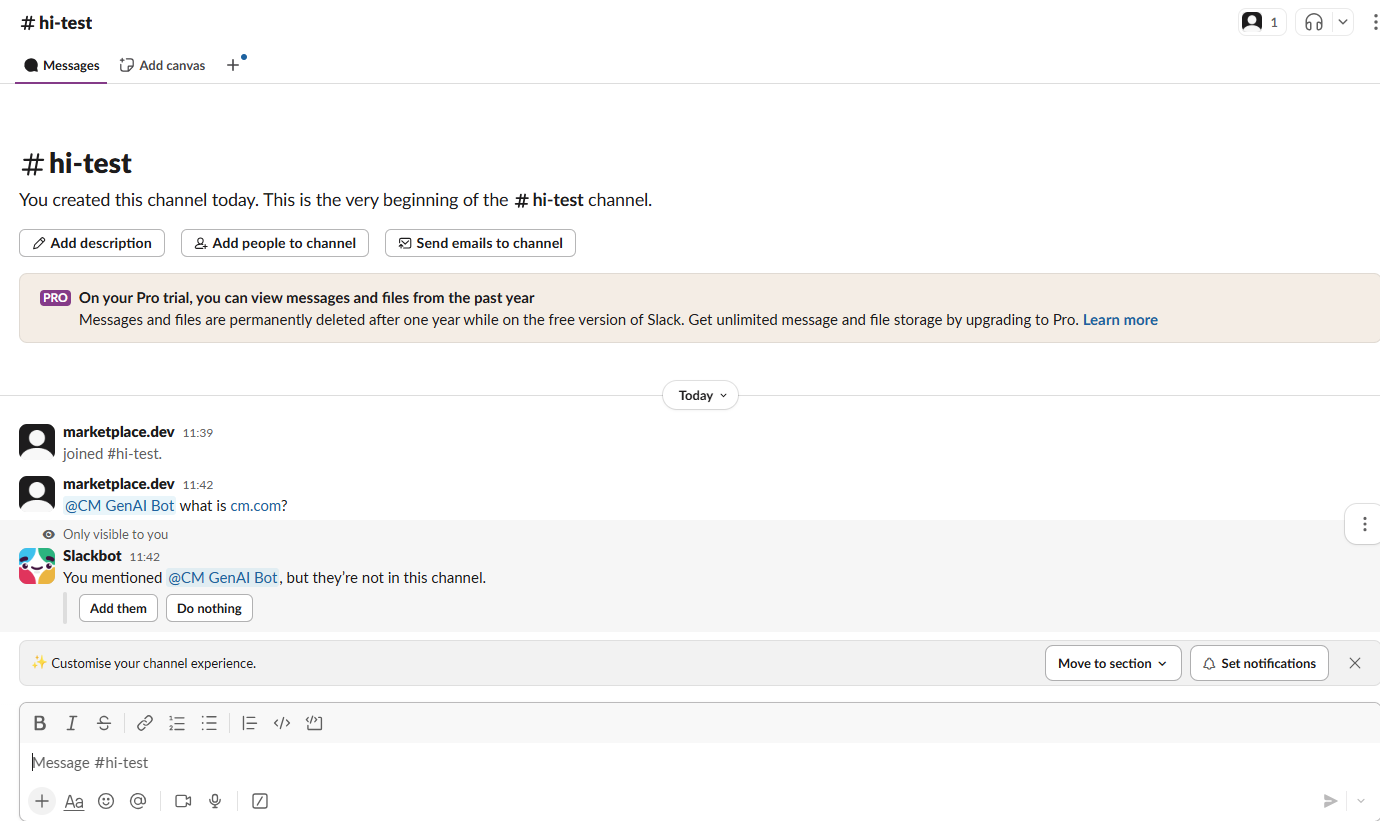
This document provides details about how to set up the Slack GenAI Bot in your slack workspace.
1. Steps to add bot in your Slack workspace
-
Visit the customer's Slack workspace and ensure the app is available in the Slack App Directory.
-
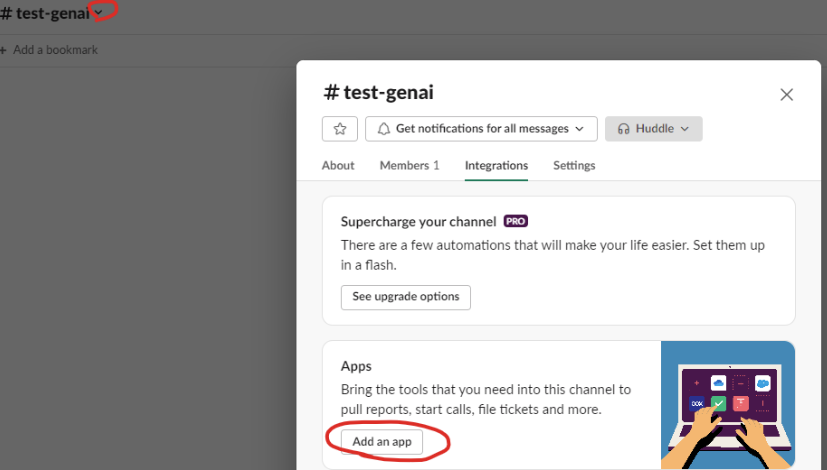
Create a test channel in Slack and add the CM GenAI Engine app to the channel.
-
Ping any message in the channel, either by tagging or without tagging CM GenAI Engine.
-
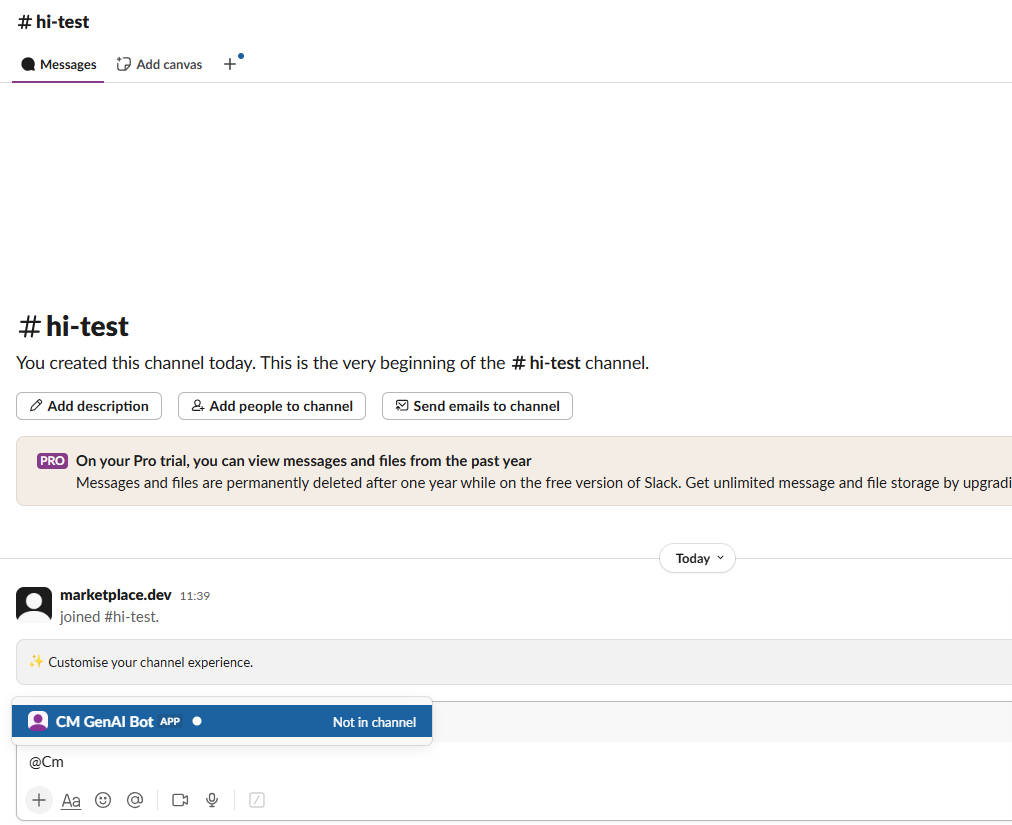
Alternative method: Another way of adding the bot to your channel is to mention the bot name in your channel as shown in the screenshot below.
-
Click Add Them when prompted.