Publication separates your working environment from your live environment. Changes you make to agents, tools, and other resources in HALO are not visible to end users until you explicitly publish them.
How Publication Works
Your HALO environment has two layers:
-
CMS — Your working environment. All changes to agents, tools, context, knowledge, and style happen here. Nothing in CMS is visible to end users.
-
Live — The environment your end users interact with. It only changes when you publish.
This means you can freely create, edit, and delete resources without affecting active conversations or end-user experiences.
Publishing Changes
To publish changes:
-
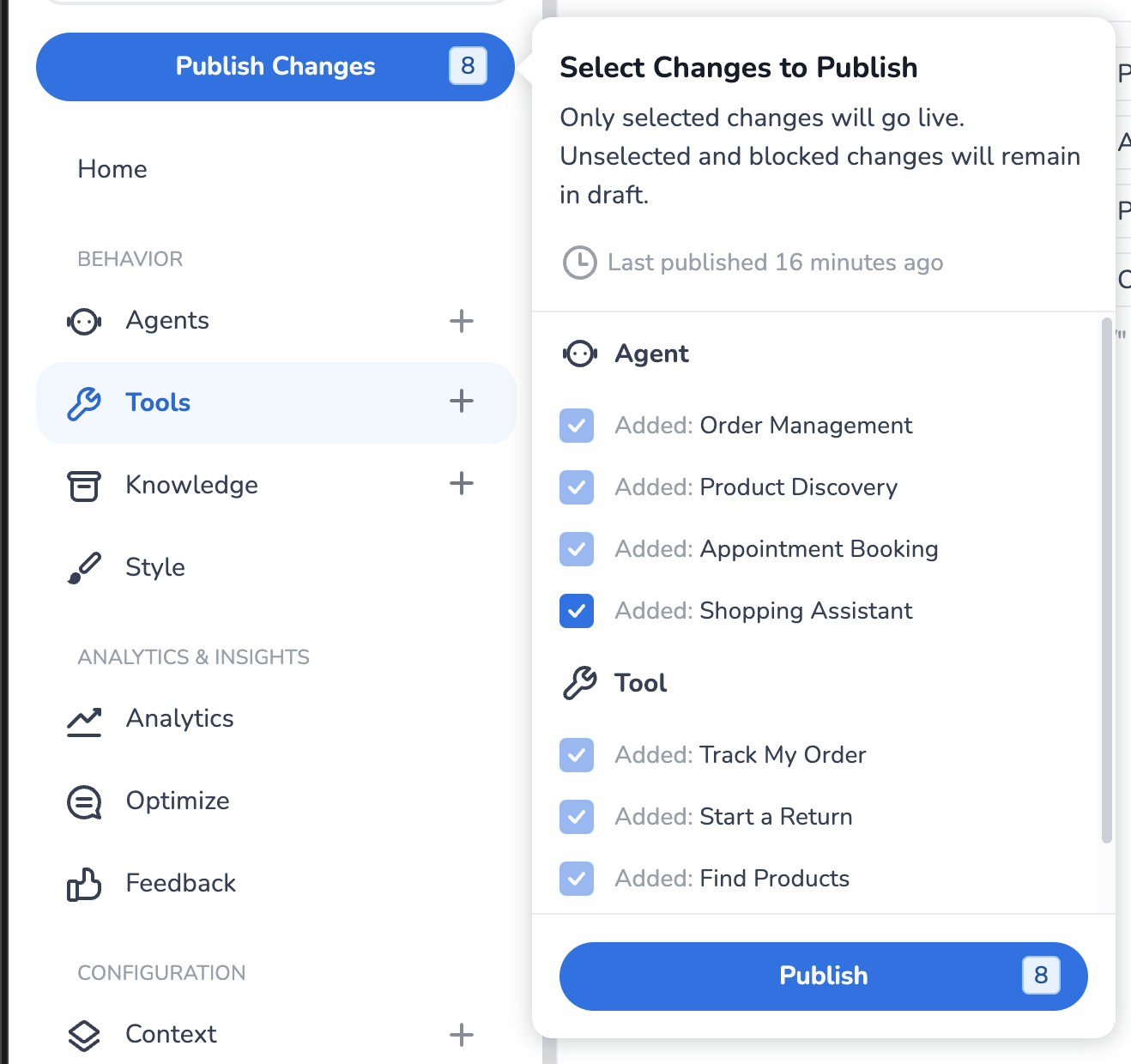
Click the Publish button in the side navigation.
-
Review the list of unpublished changes.
-
Select which resources you want to publish.
-
Confirm the publication.
You do not have to publish everything at once. You can selectively publish individual resources — for example, publishing an updated agent without publishing a tool you're still working on.
Unpublished Changes Indicator
The Publish button in the side navigation displays a badge showing the number of unpublished changes in your environment. This gives you a quick overview of how many resources differ between CMS and Live.
Dependency Management
HALO automatically manages dependencies between resources when publishing. If a change you're publishing depends on another unpublished change, HALO will flag this before the publication goes through.
For example: if you delete a tool that is referenced by an agent, you cannot publish the tool deletion without also publishing the updated agent that no longer references it. This ensures your Live environment always remains consistent and functional.
Reverting Changes
There is no unpublish action. If you want to revert a live agent or tool to a previous state, use the version history to restore the earlier version, then publish that change. For non-versioned resources (context, knowledge, style), make the desired change in CMS and publish it.
Testing in CMS/Live
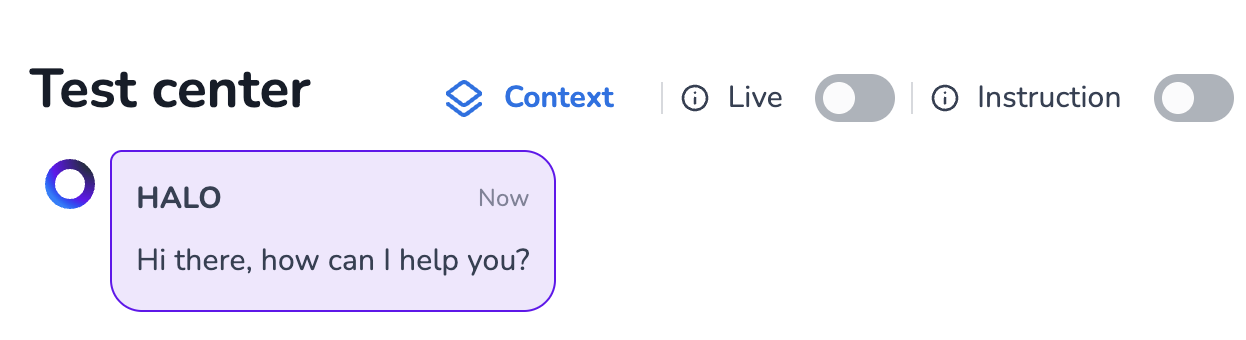
The default environment in the HALO Test Center is CMS, so you can easily test the changes you are going to put live. Please note however that it’s also possible to select the Live environment, by using the ‘Live’ toggle in the Test Center: