
Dashboard → Settings → Schedule resend Orders
Description
The Resend orders section allows administrators to schedule automatic re-sending of ticket orders to attendees.
This feature helps ensure that attendees receive their tickets again at a defined time without requiring manual intervention.
It improves communication reliability and reduces customer support workload.
FOR RESENDING (REMINDERS) PERSONALIZATION TICKETS/ORDERS. THAT’S NOT POSSIBLE WITH THE CURRENT FEATURES ON NXTGN, THAT’S ONLY POSSIBLE WITH THE MOBILE MARKETING CLOUD (MMC). But not every user has the MMC, so for them it’s not possible to remind personalizations.
You can only resend (remind) all orders in bulk, explained in this article
Purpose of This Page
This section is used to:
-
Resend all orders to all buyers at one time
-
Schedule automatic order confirmation resends
-
Remind attendees of upcoming events
-
Re-deliver tickets if emails were lost
-
Support operational communication strategies
Scheduled resends are automated once configured.
Page Structure
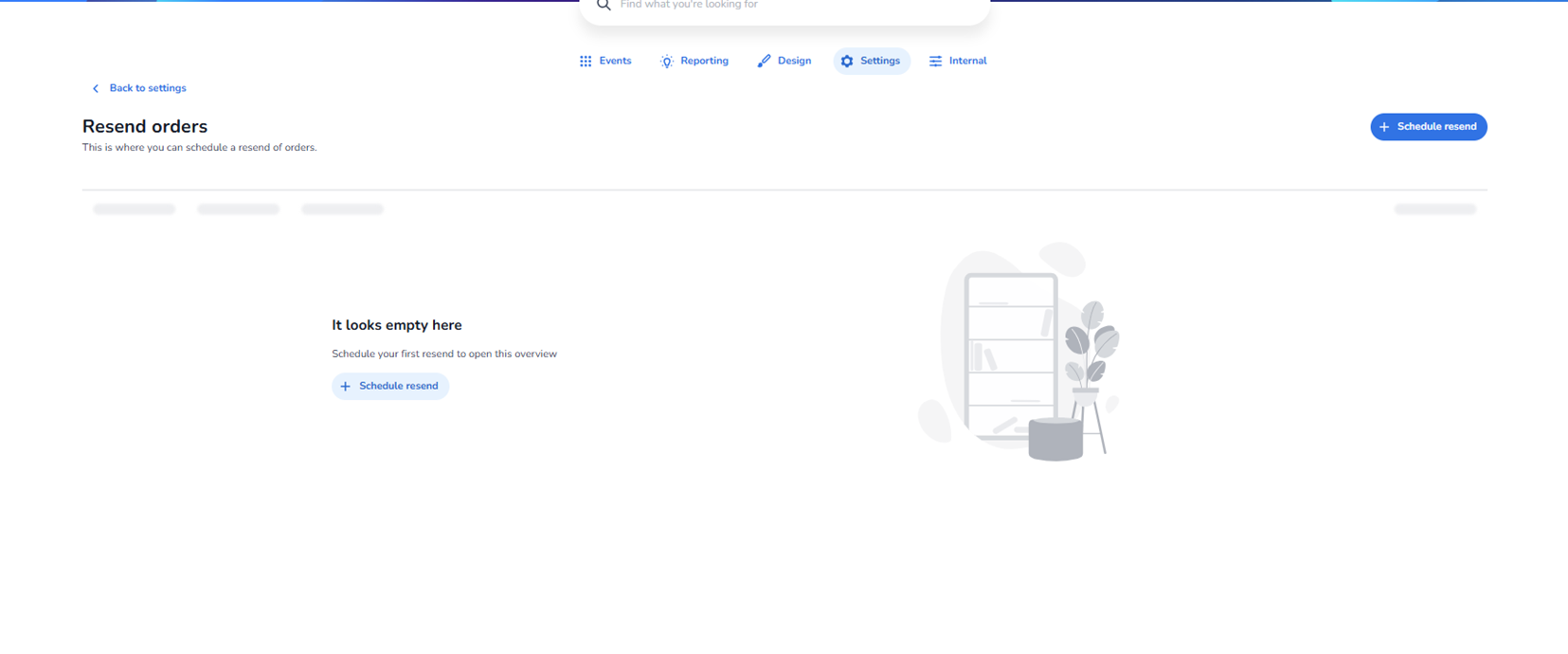
Back to Settings
Located at the top left.
Function:
-
Returns to the main Settings overview.
Schedule Resend Button (Top Right)
Primary action button.
Function:
-
Opens the scheduling configuration workflow.
-
Allows administrators to create a new resend schedule.
Empty State
If no schedules exist, the page displays an empty overview.
This indicates that:
-
No automatic resends are currently configured.
-
No communication automation is active.
A central Schedule resend button is also available to quickly create the first schedule.
Creating a Schedule Resend
When clicking Schedule resend, administrators can define:
-
Which event(s) the resend applies to
-
Which orders should receive the resend
-
The timing of the resend (date and time)
-
Whether it triggers before or after event start
-
The communication template used
This enables precise targeting of communication.
Typical Use Cases
-
Sending a reminder 24 hours before the event
-
Re-sending tickets 1 week before event day
-
Automatically re-sending tickets after purchase
-
Handling support-driven re-delivery campaigns
What This Section Controls
This section influences:
-
Email communication timing
-
Ticket delivery reliability
-
Attendee experience
-
Operational workload
It does not affect:
-
Ticket validity
-
Scan results
-
Entrance plan rules
Operational Flow
-
Configure event and ticketing.
-
Set up scheduled resend.
-
System automatically triggers resend at defined time.
-
Attendees receive updated or repeated order confirmation.
Who Should Use This
Typically managed by:
-
Event operations managers
-
Customer support managers
-
Communication or CRM teams
-
Platform administrators
Because automated emails affect all attendees within scope, scheduling should be configured carefully.