
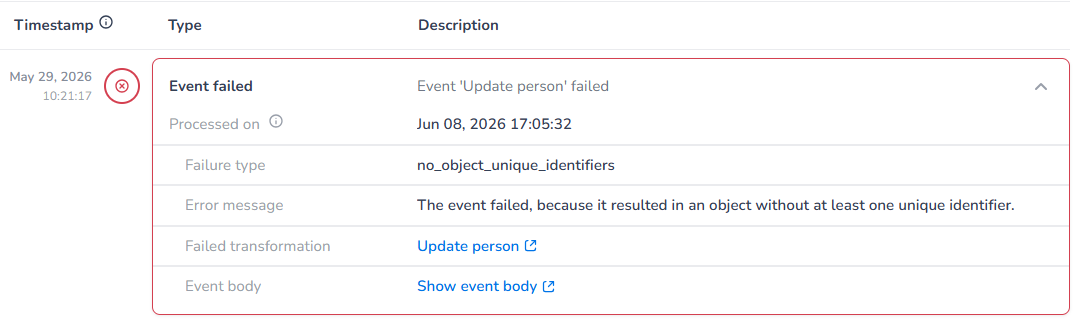
Failed event: No unique identifier
If your event definition has a transformation behind it to transform into an object, there has to be a unique identifier in order to process the event correctly.
Make sure you have at least one unique identifier specified in the object definition and send along in the incoming event, if not the event cannot be created.
Failed event: Invalid email
We do a basic check on email format, we do not perform email validation. This is a feature our email campaigns app supports to get a clean email adress list or you can do it yourself.
We use the below regex:
[GeneratedRegex("^[a-zA-Z0-9._%+-]+@[a-zA-Z0-9.-]+\\.[a-zA-Z]{2,}$")]
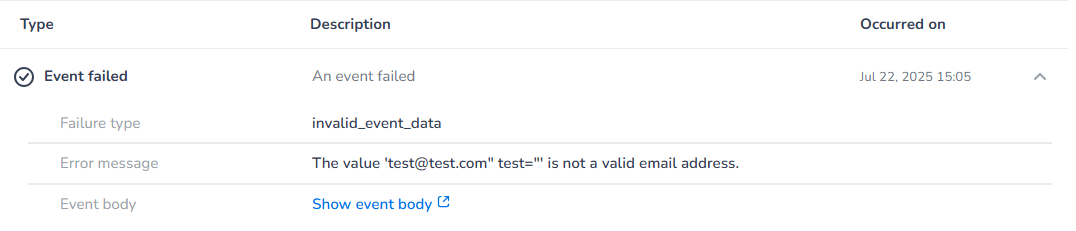
Example:
Incoming format
{
    "Firstname": "Janie",
    "Lastname": "Doe",
    "Email": "[email protected]",
    "Locale": "dutch"
}
Failed event: Invalid phone format
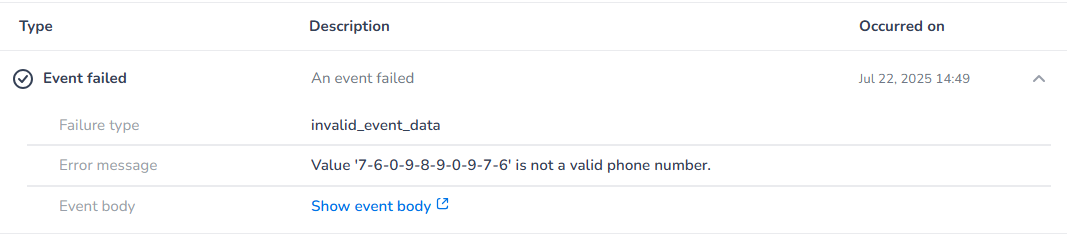
When the format of the incoming data does not match the format as setup in the event definition, the event cannot be transformed.
Make sure the incoming phone format format is equal to the setup phone format.
Incoming format
{
  "Firstname": "Janie",
  "Lastname": "Doe",
  "Email": "[email protected]",
  "Mobile phone number": "7-6-0-9-8-9-0-9-7-6"
}
Definition format
This is not a phone number that passes the Google lib Phone number check.
Failed event: Invalid date (time) format
When the format of the incoming data does not match the format as setup in the event definition, the event cannot be transformed.
Make sure the incoming date(time) format is equal to the format specified.
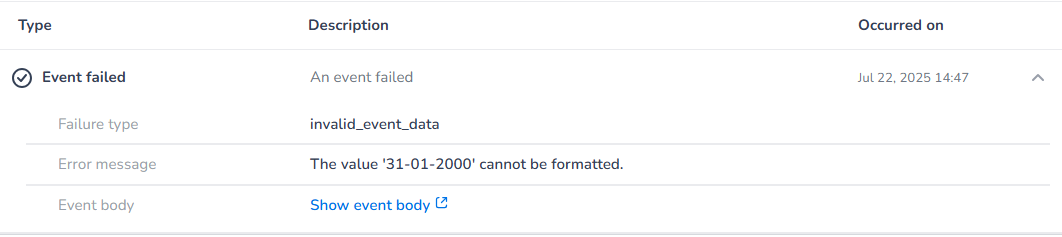
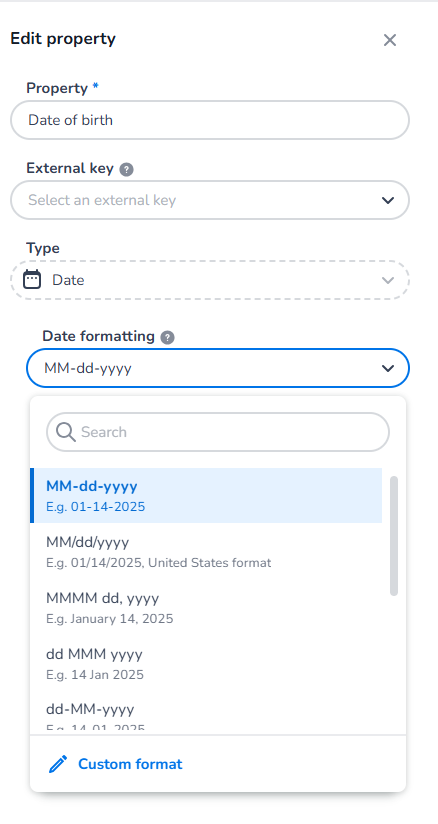
Incoming format: dd-MM-yyyy
{
    "Firstname": "Janie",
    "Lastname": "Doe",
    "Date of birth": "31-01-2000",
    "Email": "[email protected]"
}
Definition format: MM-dd-yyyy
Failed event: Invalid Boolean value
When the format of the incoming data does not match the format as setup in the event definition, the event cannot be transformed.
Make sure the incoming Boolean format is equal to the default Boolean format: true/false
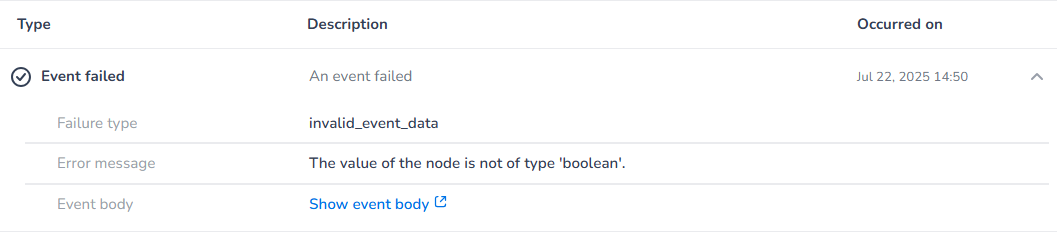
Incoming format: Yes
{
  "Firstname": "Janie",
  "Lastname": "Doe",
  "Email": "[email protected]",
  "Marketing consent": "Yes"
}
Definition format: true/false
Failed event: Invalid number
When the format of the incoming data does not match the format as setup in the event definition, the event cannot be transformed.
Make sure the incoming number format is equal to the format specified.

Incoming format
{
    "Firstname": "Janie",
    "Lastname": "Doe",
    "Email": "[email protected]",
    "Age": "25+"
}
Definition format
Number type properties (age in this example) only allow numbers, no other values, like the + sign for example or text.
Failed event: Invalid locale
When the format of the incoming data does not match the format as setup in the event definition, the event cannot be transformed.
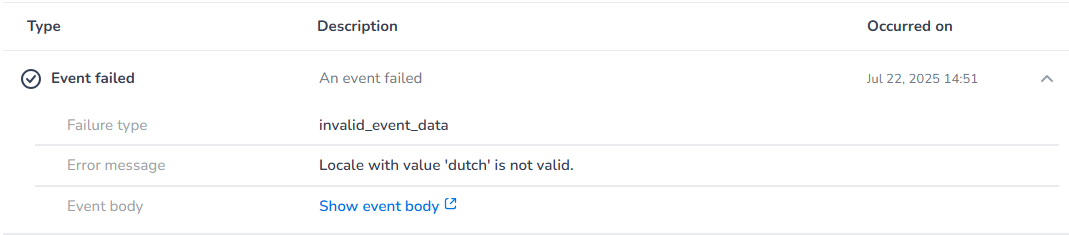
Make sure the incoming locale format is a valid locale.
Incoming format
{
    "Firstname": "Janie",
    "Lastname": "Doe",
    "Email": "[email protected]",
    "Locale": "dutch"
}
Definition format
Locale has a fixed list of valid locales.