What are runs
In the CXP, data processing is organized and executed through "runs." A run is essentially the mechanism that triggers the processing of your data based on your current configuration. Without a run, no data is processed, making it a crucial step in utilizing the platform effectively.
To get started, simply create a run. Once initiated, the CXP processes your data according to the configuration settings you have in place at that moment. This ensures that your data is handled in alignment with your specific requirements, such as segmentation rules, enrichment processes, or other configurations.
One of the key advantages of the CXP is its flexibility. If you make changes to your configuration—whether to refine your data processing rules or update settings—you can create a new run. This allows you to reprocess all existing data using the updated configuration, ensuring your data remains accurate and aligned with your latest preferences.
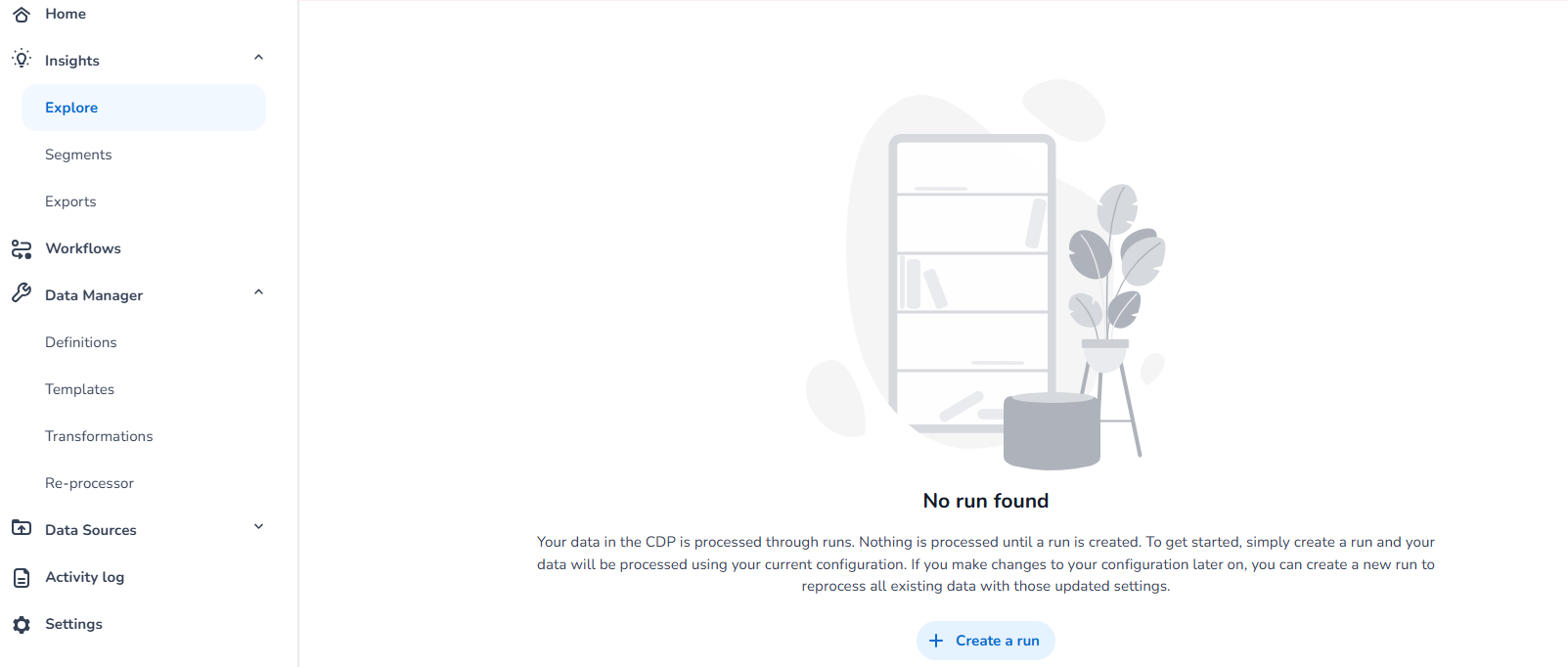
If there are no runs present, both the explore and activity page will inform you to start a new run.
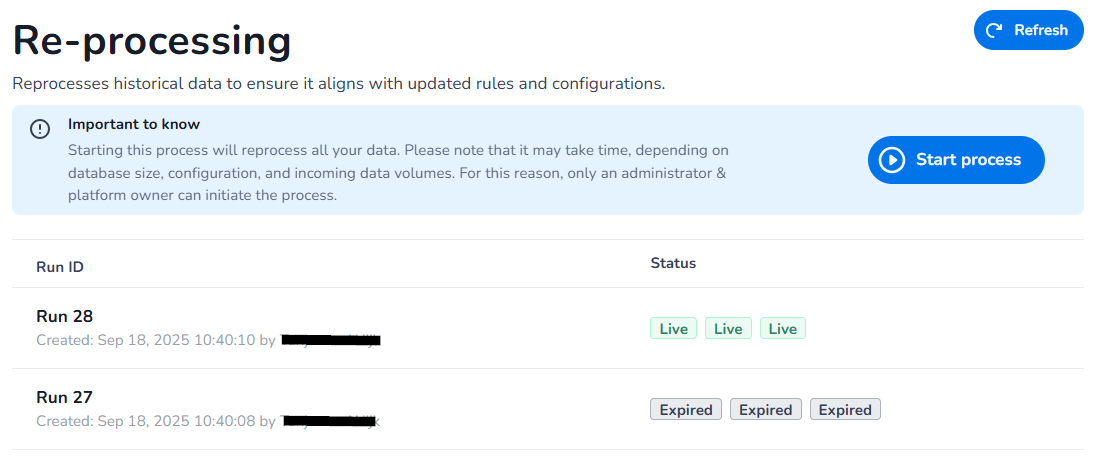
What is re-processing
In some cases, you may need to reconfigure your CXP account due to misconfigurations or significant changes to your setup (e.g., updated definitions or processing rules). These changes can impact how your data is processed, and you may want your historical data to align with the new configuration. To achieve this, you'll need to initiate a process that essentially resets and reprocesses your entire account, applying the new setup to all historical and incoming data.
This process, referred to as starting a "new run," is a resource-intensive and complex operation. It involves creating a staging run on all domains (transformation processor, data storage, data explorer) that processes all historical data and new incoming data based on the updated configuration. Once the staging runs have fully caught up, it will replace the current live runs, ensuring your account is fully aligned with the new setup.
Important Considerations:
-
This is a heavy and expensive process that should not be undertaken lightly.
-
Only administrators and platform owners have the permissions to initiate this process, as it has the potential to both fix and disrupt critical operations.
-
Ensure you thoroughly review and validate your new configuration before starting the process to avoid unnecessary complications.
-
Each domain has it's own status:
-
Transformation processor - transforms all existing and incoming data using the new configuration
-
Data storage - stores all the transformed data in the database
-
Data explorer - Ready for data exploring/querying
-