
Steps to login
Step 1: Go to https://app.robinhq.com/
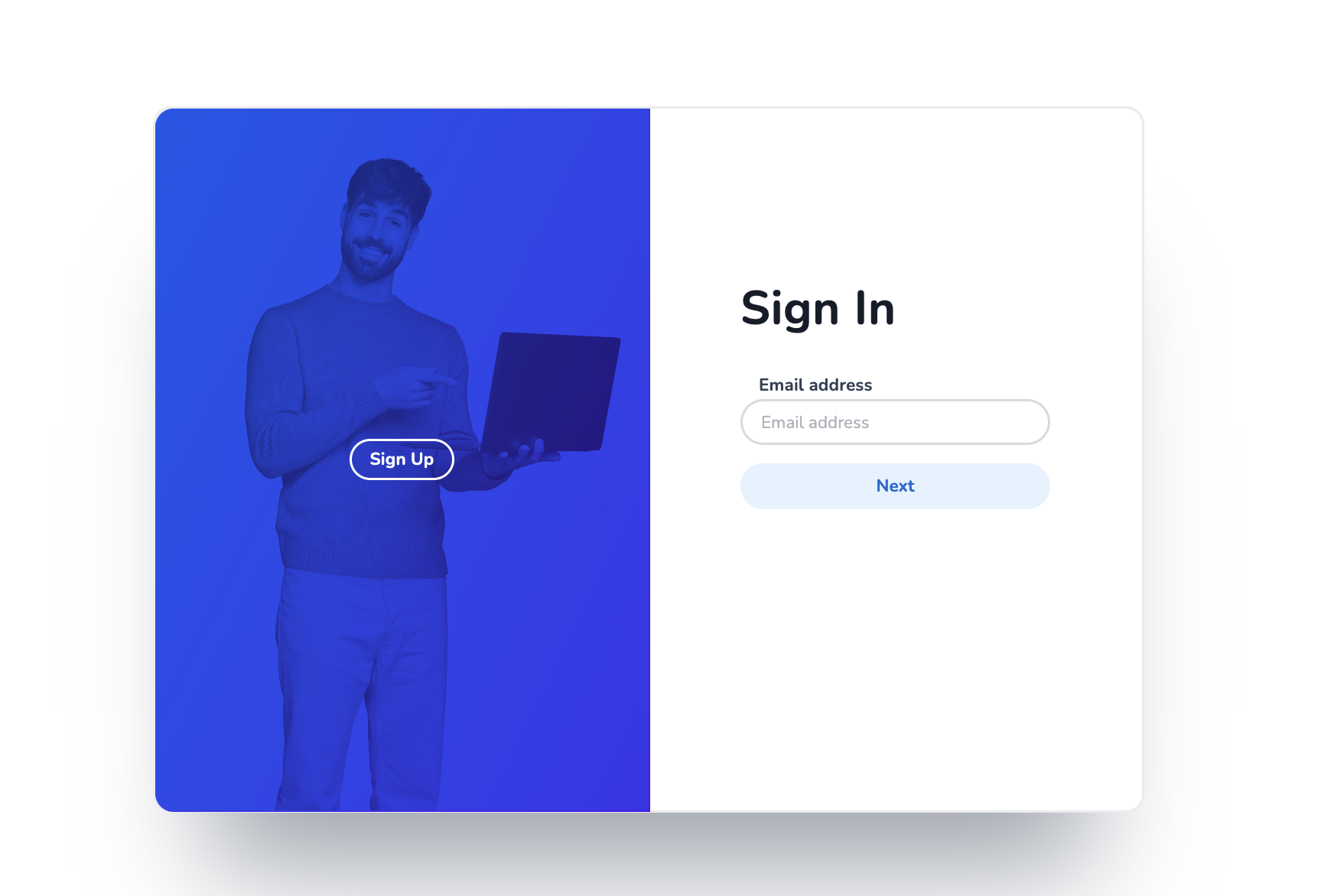
Step 2: Fill in your (company) email address and click 'Next'
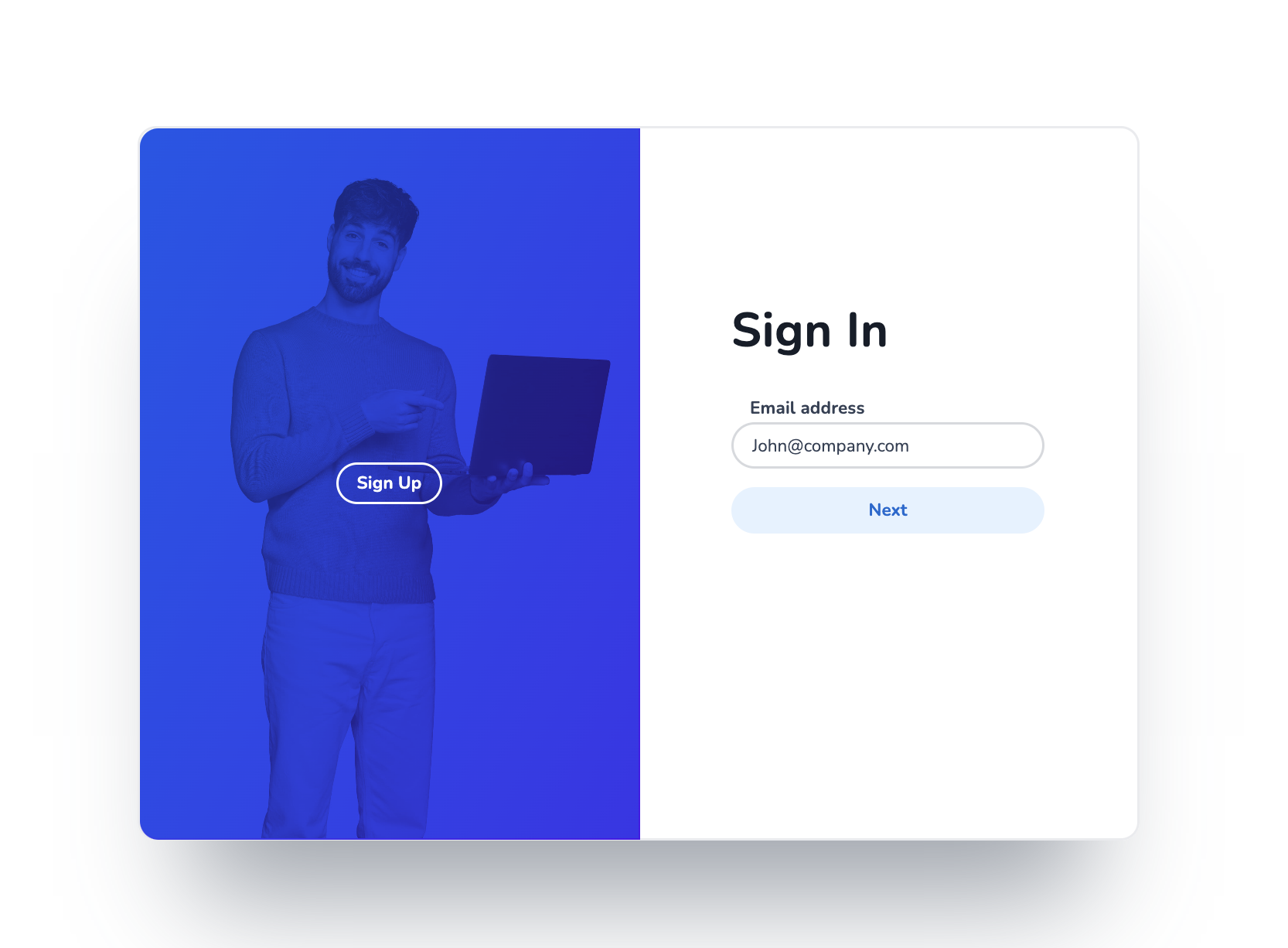
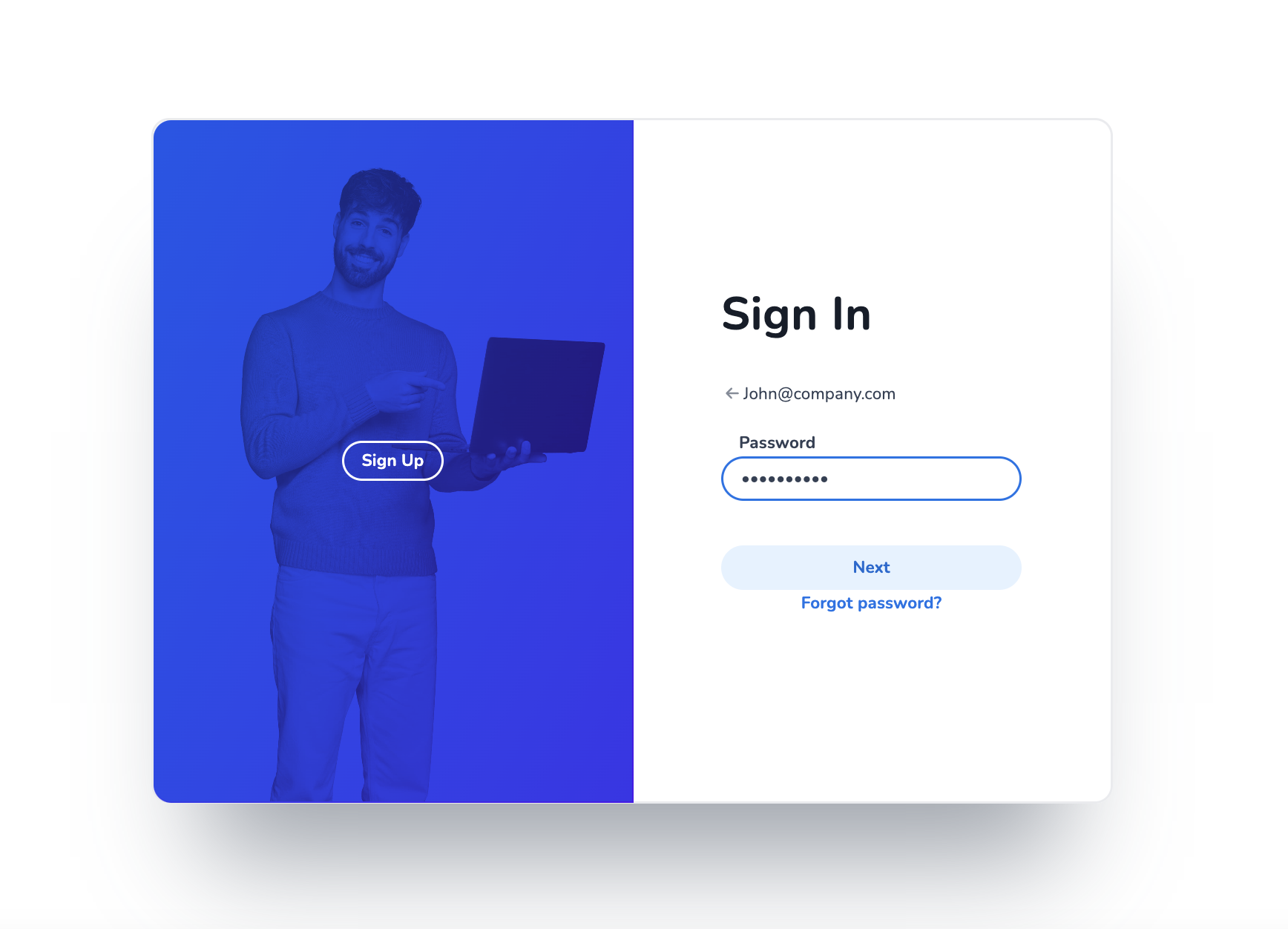
Step 3: Fill in your password
Mobile Service Cloud works best in Google Chrome but can also be used in other browsers.
Don't know your password? What you can do it can be found here.
Below you can find a video on how you can login to Mobile Service Cloud.