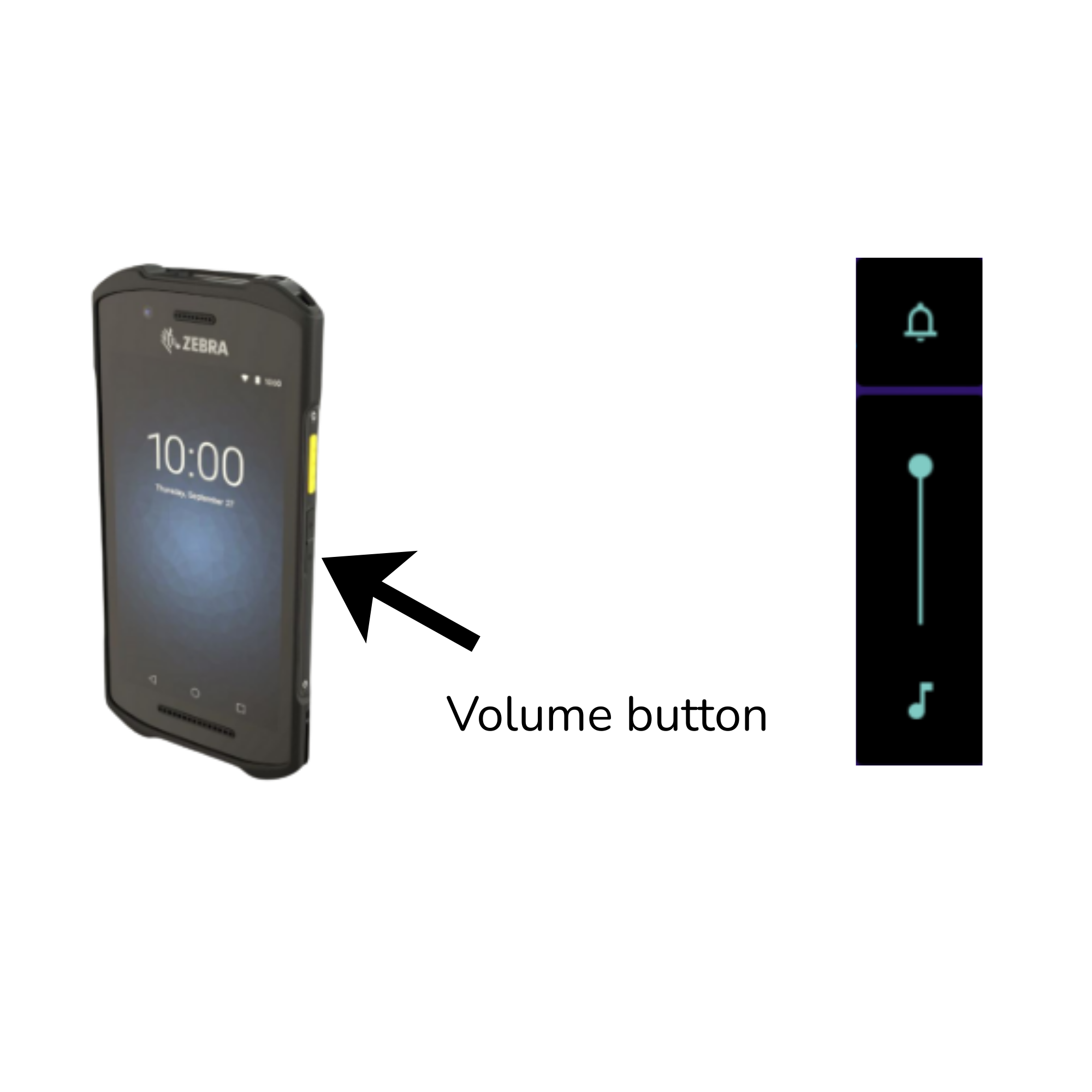
During events, technical issues may occasionally occur while using the scanner. Most problems are minor and can be resolved quickly on-site by following a few simple steps.
This section describes the most common issues that may occur during scanning, along with clear instructions on how to resolve them.
Troubleshooting: App not responding or scanner not working
If the app is not responding or the scanner’s laser barcode function is not working, follow the steps below:
-
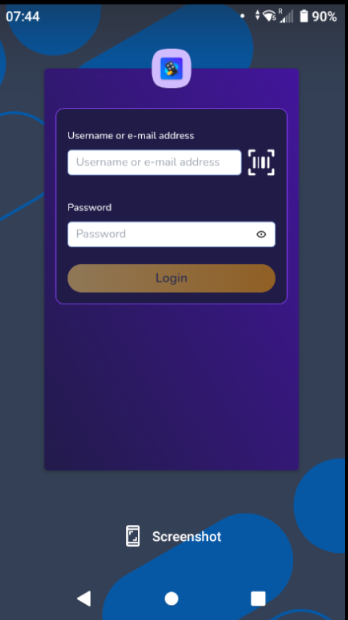
Tap on the screen and then press the square button in the bottom right corner of the device.
-
The app overview will appear.
-
Swipe up to fully close the scanning app.
-
Reopen the app.

If the issue persists:
-
Restart the device by pressing and holding the power button.
-
Tap “Restart.”
-
Once the device has restarted, open the scanning app again.
Scanner uses the camera instead of the laser scanner
If the device is scanning using the camera instead of the built-in laser scanner, follow the steps below:
-
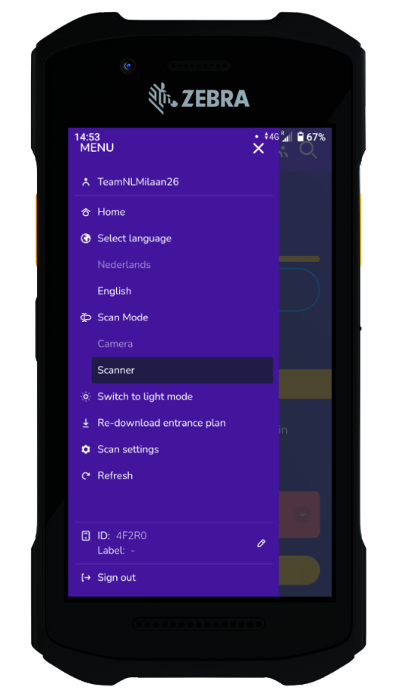
Tap the hamburger menu icon (three lines in the top left corner).
-
Go to “Scan Mode.”
-
Select “Scanner.”
This will switch the device back to the laser scanning mode.
QR code is not scanning
If the scanner is unable to read the QR code, please check the following:
-
Make sure the QR code is clearly visible and fully printed on the ticket. It may be damaged or printed incorrectly.
-
If the visitor is using a mobile ticket, ask them to increase the screen brightness.
-
Check for excessive glare from sunlight or artificial lighting. If necessary, move to a shaded area to reduce reflection.
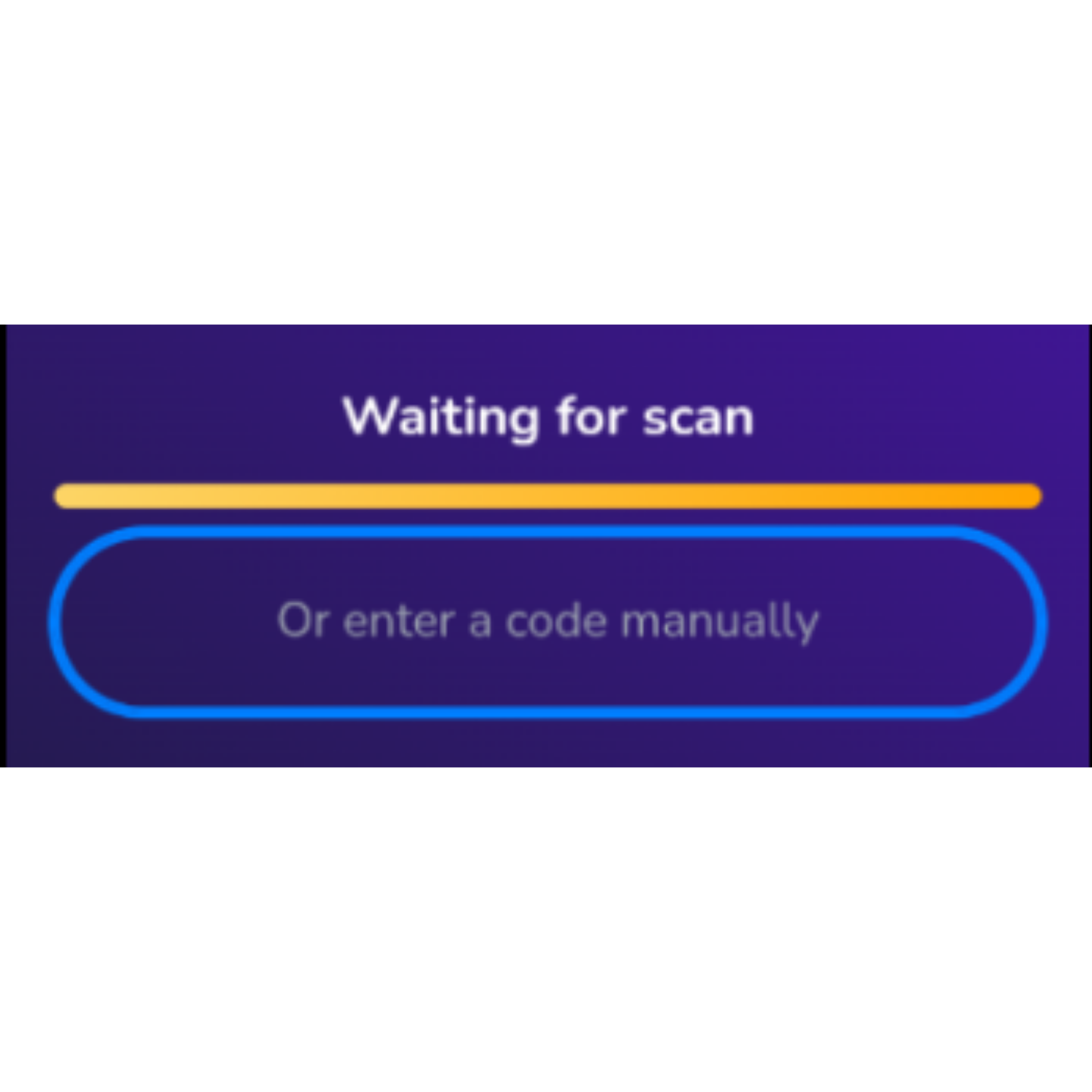
If the QR code still cannot be scanned, manually enter the barcode number into the scanner.
No sound during scanning
If you do not hear any sound on the Zebra scanner while scanning, follow the steps below:
-
Press the volume button on the right side of the scanner and increase the volume.
-
Make sure the bell icon is visible without a line through it (this indicates that the device is not muted).
After adjusting the settings, test the scanner again to confirm that the confirmation and error sounds are working properly.