
Keyboard not showing
Problem: You tap a text field, but the keyboard does not appear.
Cause: The keyboard was most likely hidden by accident with the keyboard button at the bottom right of the screen. This button is small and hard to see on the white bar, so it is easy to tap by mistake.
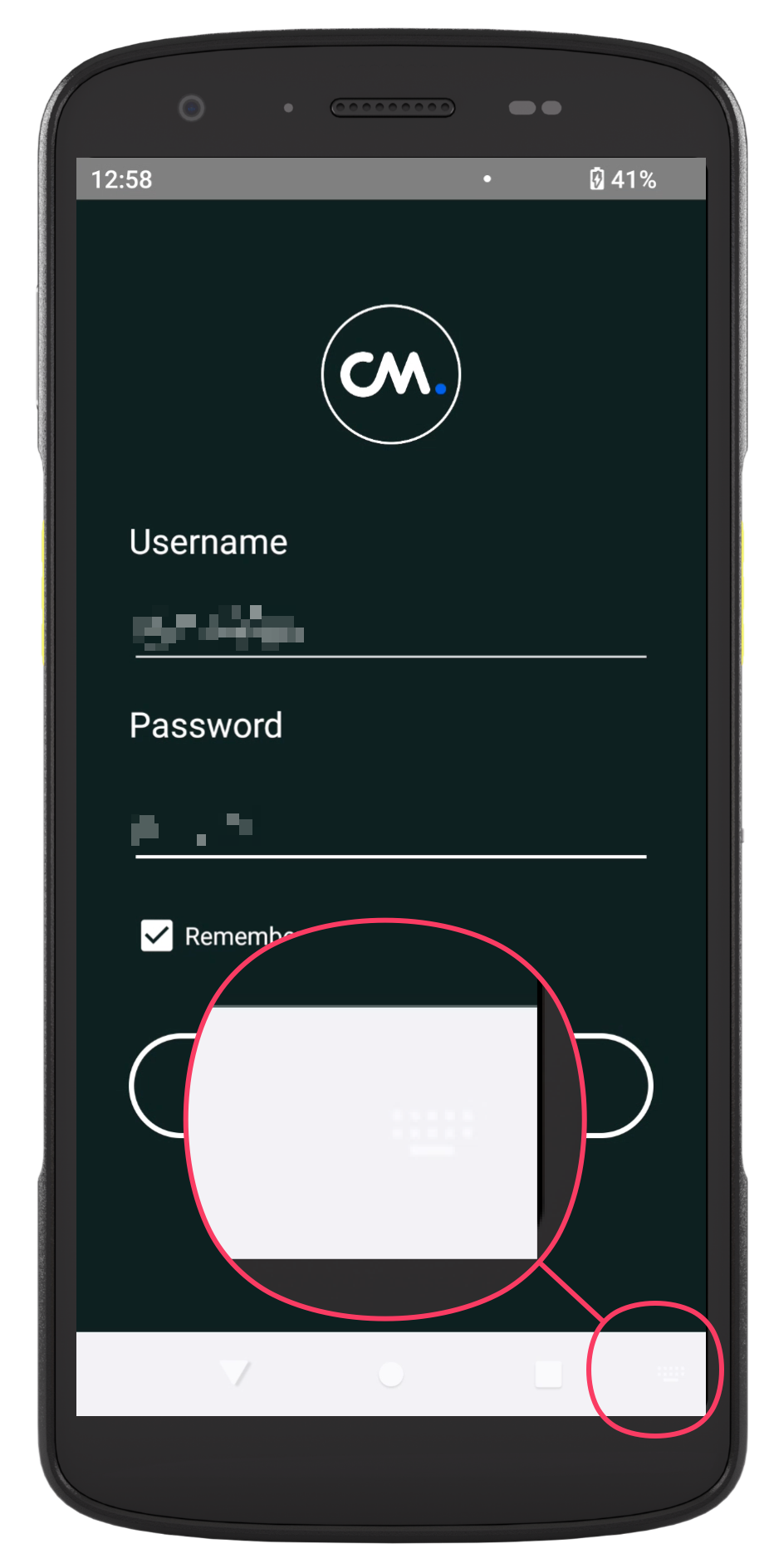
Solution:
-
Tap the text field you want to type in.
-
Tap the keyboard button at the bottom right of the screen. The keyboard appears.