
You configure all Safeguard features in the CM Platform.
Safeguard Basic (Destination Management, IP Restrictions, Rate Limiting)
To find the Safeguard Basic configuration (including Destination Management, IP address restrictions and rate limiting):
-
Log in to the CM Platform.
-
Go to the Channels app.
-
In the left‑hand menu, open API Access and Settings.
-
Click Business Messaging Settings.
-
Go to the Safeguard section.
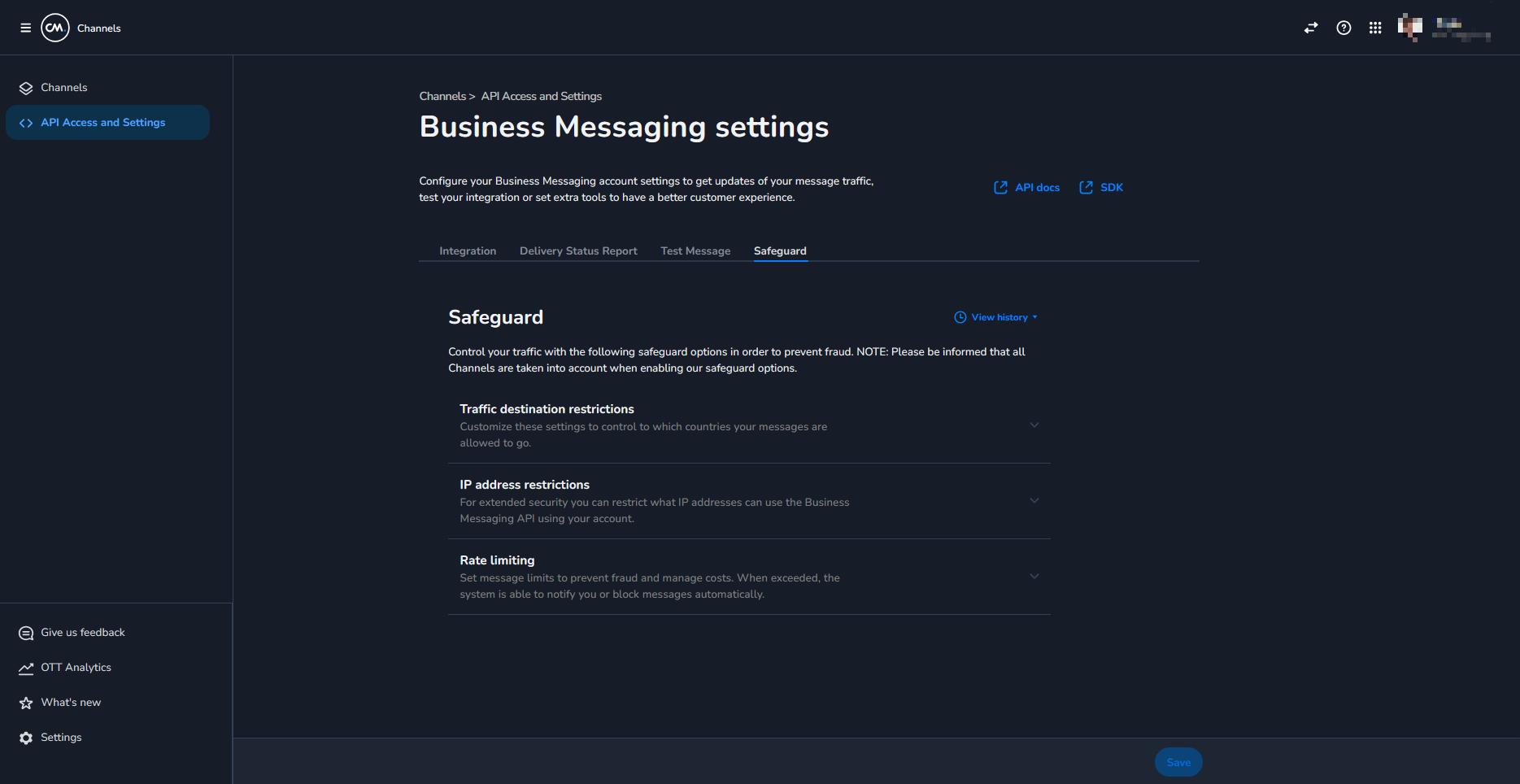
From here you can:
-
Configure Destination Management via Traffic destination restrictions.
-
Configure IP Address Restrictions for your messaging APIs (HTTP and SMPP are supported, except for secure Cloudflare‑based SMPP for now).
-
Configure Rate Limiting for your traffic.
Safeguard Plus (AIT Detection Center)
If you have Safeguard Plus enabled, you can monitor and manage AI‑based AIT detection here:
-
Log in to the CM Platform.
-
Open the 9‑dot apps menu in the top‑right.
-
Click the AIT Detection Center app.
-
You will be navigated directly to the AIT Detection Center.
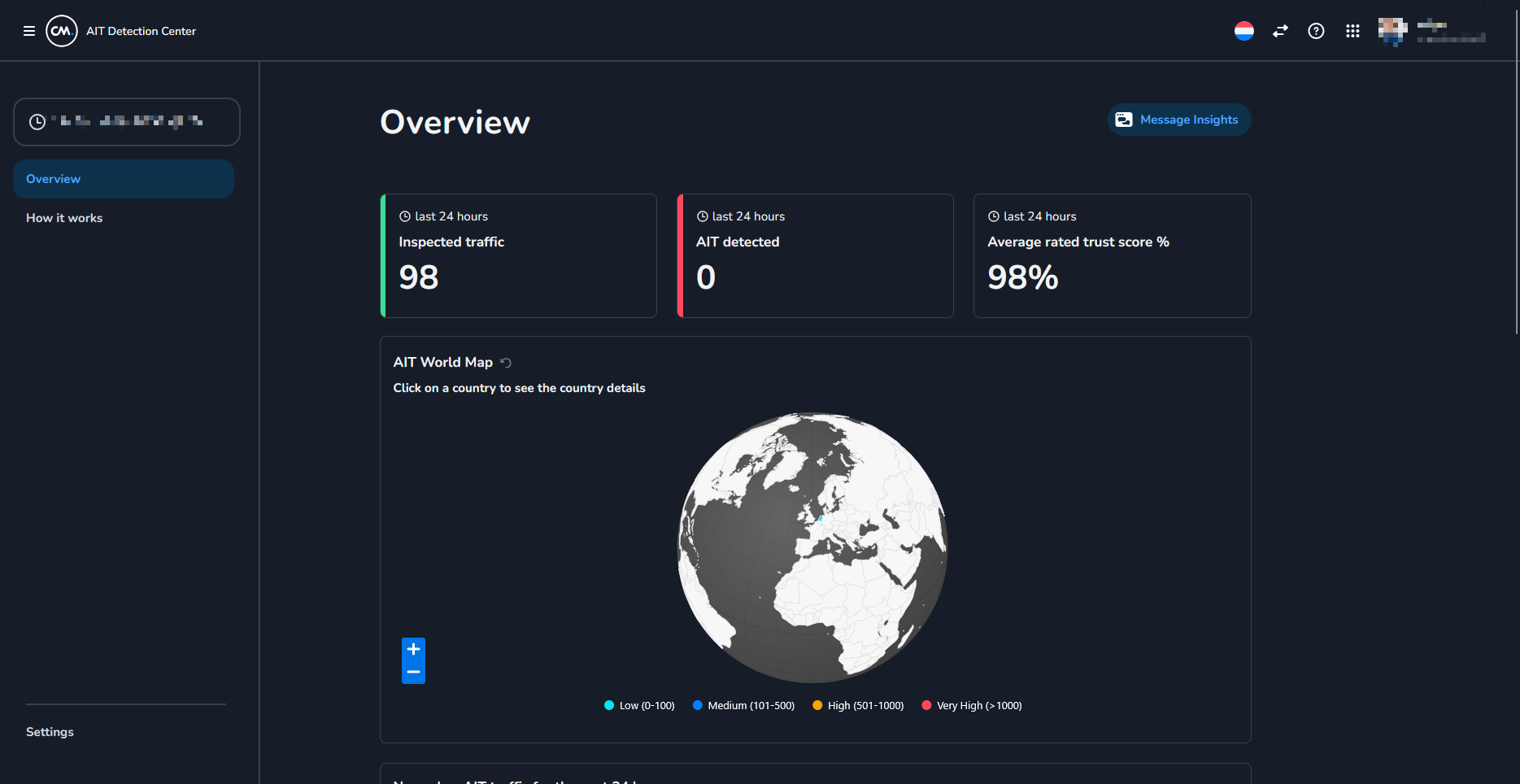
In the Safeguard Plus / AIT Detection center you can:
-
Monitor suspicious or artificially inflated traffic (AIT).
-
Configure which traffic should be monitored vs blocked.
-
Review traffic patterns flagged by the AI models.