
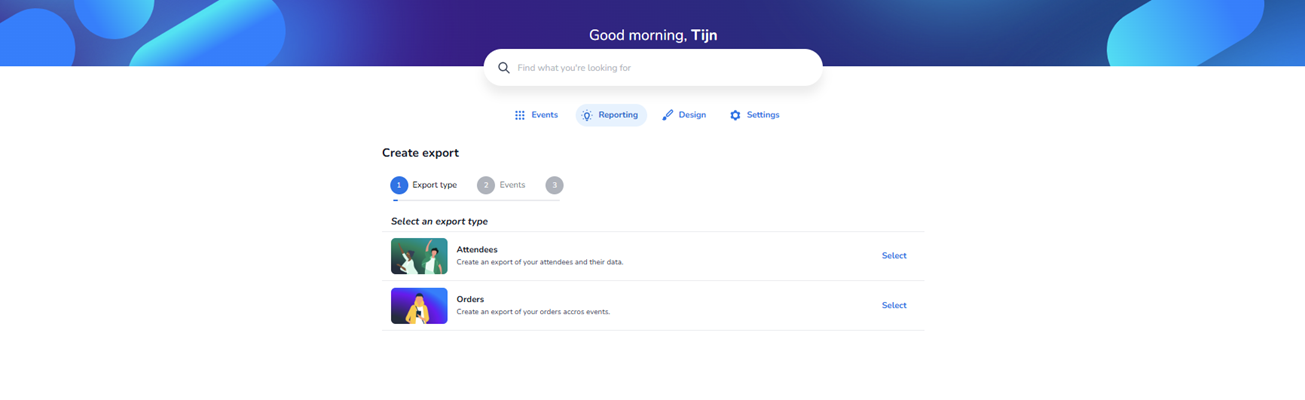
In the main content area, the “Create export” wizard is visible with a three-step progress indicator. Step 1 (Export type) is active. The user can choose between two export options:
-
Attendees – Export attendee data and related information.
-
Orders – Export order data across events
Each option includes a short explanation and a “Select” action to proceed to the next step of the export configuration process.
Step 2:
Select your event(s) you want to retrieve the data from
Step 3:
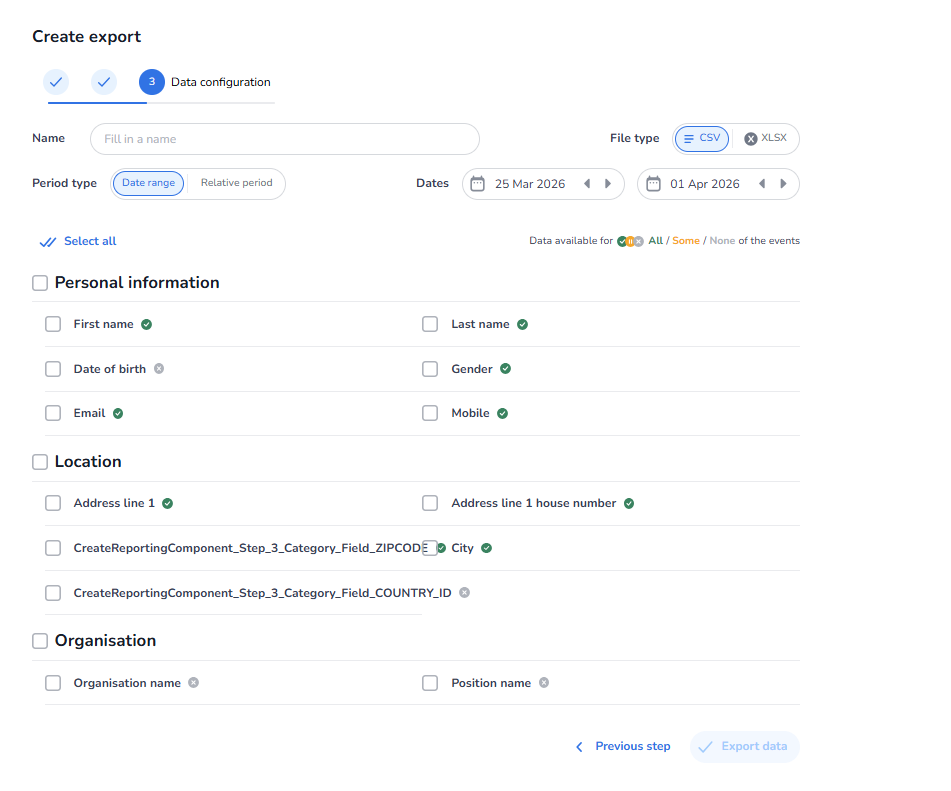
Select the personal data you want to retrieve.