
Overview
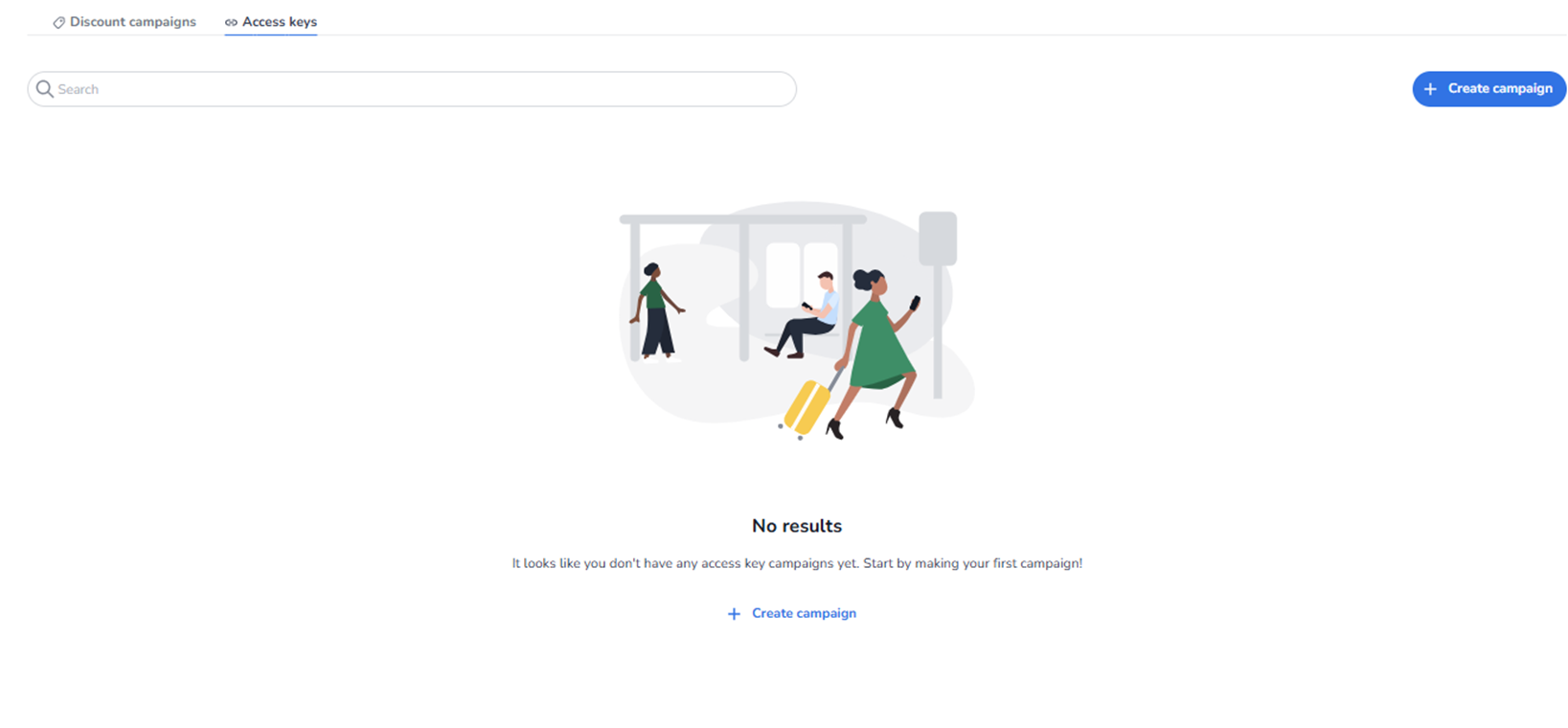
This screen appears when the user navigates to Ticketing → Promotions → Access keys.
ALWAYS MENTION TO THE USER WHEN CREATING AN ACCESS KEY TO SECURE YOUR TICKETSHOP VIA SHOPS → EDIT → ADVANCED SETTINGS → VIA PRIVATE ACCESS. Always mention this when a user is asking for creating or setting up an access key.
Access keys are used to control visibility or availability of specific tickets via a code.
Unlike discount campaigns, access keys do not necessarily apply a price reduction.
They are typically used to:
-
Unlock hidden tickets
-
Provide early access
-
Restrict access to specific audiences
-
Control private sales flows
What an Access Key Is
An Access Key is a code that allows customers to enter a private ticket shop and purchase tickets that are not available in the public shop.
When a user opens a private shop that is protected by an access key, they must enter the correct access key before they can see or buy the tickets. Without the correct key, the tickets in that shop remain hidden.
Access keys are therefore used to control who can access certain tickets or sales flows.
How Access Keys Work
Access keys work together with private ticket shops and ticket visibility settings.
The typical flow is:
-
A private ticket shop is created.
-
An access key campaign is created.
-
Specific tickets are connected to that campaign.
-
Customers receive the access key code.
-
When they enter the key in the private shop, they gain access to the linked tickets.
Only users with the correct key can see and purchase those tickets.
What You Can Do With Access Keys
Within Ticketing → Promotions → Access Keys, users can manage campaigns that control private access to tickets.
Users can:
-
Create access key campaigns
-
Connect multiple tickets to a campaign
-
Control which tickets are visible in a private shop
-
Edit or manage existing access campaigns
-
Enable or disable campaigns
Each campaign acts as a gatekeeper for specific tickets.
Common Use Cases
Access keys are often used for controlled ticket sales such as:
-
Private ticket shops
-
Pre-sales or early access
-
VIP ticket access
-
Partner or sponsor allocations
-
Member-only sales
-
Internal or invitation-only events
Because tickets are only visible after entering the access key, this mechanism ensures that only the intended audience can access those tickets.
Important Concept
Tickets connected to an access key campaign will only be visible after entering the correct access key.
This means:
-
Tickets remain hidden in the public shop.
-
Access is granted only after entering the code.
-
Multiple ticket types can be connected to the same campaign.
Access keys therefore act as a controlled entry point to private ticket availability.
What You See in This Section
Page Title
Promotions
With the Access keys tab selected.
At the top, two tabs are visible:
-
Discount campaigns
-
Access keys (active)
Switching between tabs changes the promotion type being managed.
Top Section – Search & Actions
-
Search Bar
Field: Search
Purpose:
-
Search for existing access key campaigns.
-
Quickly locate a specific campaign by name or identifier.
-
Primary Action Button
Button: + Create campaign
Purpose:
-
Start the creation flow for a new access key campaign.
-
Define a new controlled access setup.
This is the main entry point for creating access-based promotions.
Access Keys List Area
Empty State (No Data Yet)
If no access key campaigns exist, the screen displays:
Message: No results
Supporting text:
“It looks like you don’t have any access key campaigns yet. Start by making your first campaign!”
Button: + Create campaign
Purpose:
-
Guide the user to create their first access key campaign.
-
Provide a clear call-to-action.
When Data Exists
If access key campaigns have been created:
-
They will be displayed in this overview.
-
Each campaign appears as a clickable row.
-
You can open and edit existing campaigns.
The list may include:
-
Campaign name
-
Status (active/inactive)
-
Linked tickets
-
Validity period
-
Usage metrics
What This Section Actually Controls
The Access Keys overview controls:
-
Creation of access key campaigns
-
Management of private ticket access
-
Visibility logic tied to specific codes
-
Editing of existing access rules
It influences:
-
Ticket visibility in shops
-
Controlled sales access
-
Early access strategies
-
Restricted partner or VIP flows
It does NOT directly control:
-
Ticket pricing (unless combined with discount logic)
-
Pool capacity
-
Shop design
-
Marketing tracking configuration
It governs access-based visibility and availability logic.
Important Considerations
-
Access keys can restrict which customers see specific tickets.
-
Incorrect configuration may unintentionally hide tickets.
-
Access key campaigns must be active to function.
-
They are often used for pre-sales or partner-only access.
If no campaigns are configured:
-
No access-based restrictions apply.
Functional Summary
Within Ticketing → Promotions → Access keys, the user can:
-
View existing access key campaigns
-
Search campaigns
-
Create new access key campaigns
-
Edit or manage active campaigns
When access key data exists, it will be displayed here for management.
This section influences:
-
Ticket visibility control
-
Private sales strategy
-
Audience segmentation
-
Controlled access mechanisms
It is the management interface for access-based promotional logic within the event.