
Voice Notification sends automated voice calls to one or more recipients, playing a TTS, SSML, or pre-recorded message. For example, Voice Notification could be used for appointment reminders, delivery notifications, or marketing. Notifications can be triggered via API or through the Voice Campaigns app for list-based sends, and can also be configured on inbound numbers for automated call responses or replay when recipients call back.
Voice Notification call scenario
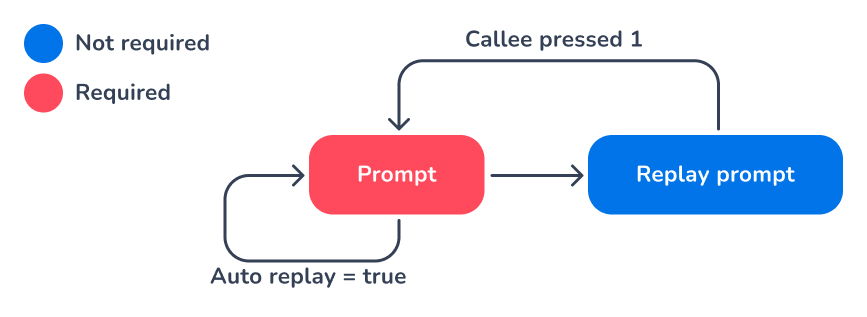
Prompts for Voice Notification can use Text-to-Speech (TTS). This can be plain text TTS or using SSML. Custom audio files are also supported. More information on the different types of prompts can be found at the Voice API prompts page. Mixing different types of prompts is possible. For instance, the main prompt can use TTS prompts, while the replay prompt can use custom audio files.
Webhook callbacks are available for Voice Notification. For more information, visit the Voice API callbacks page.
Guides & API references
Use below links to get additional information to:
Use the Voice API for Notification
FAQ