
This guide explains what you, as the customer, need to provide to enable the integration between your Returnless CRM and our platform.
1. Prerequisites
Before proceeding, ensure you have the following:
-
Access to the Returnless platform.
-
Admin permissions to create API keys.
2. Create a Returnless Account
To enable the integration, you need to create a Returnless account. Follow these steps:
Steps to Create a Returnless Account
-
Go to Returnless | Automate your return process.
-
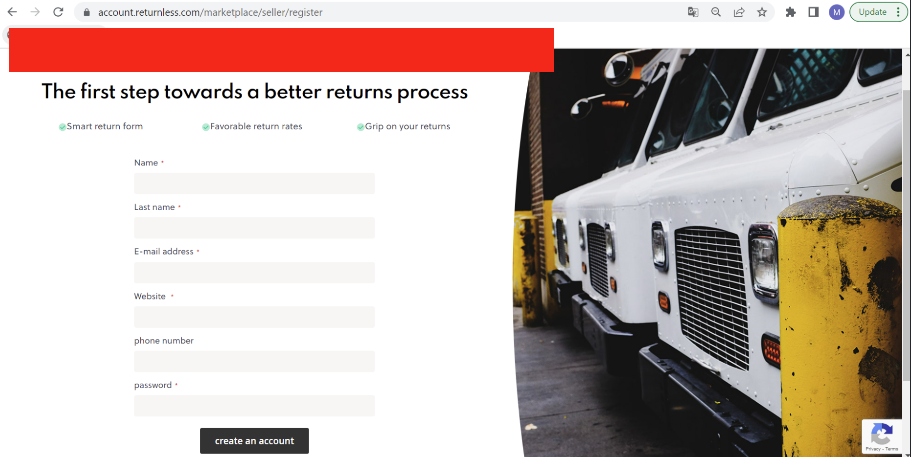
Click on Set Up Account.
-
Enter all the required details (e.g., name, email, password) and click on Create an Account.
-
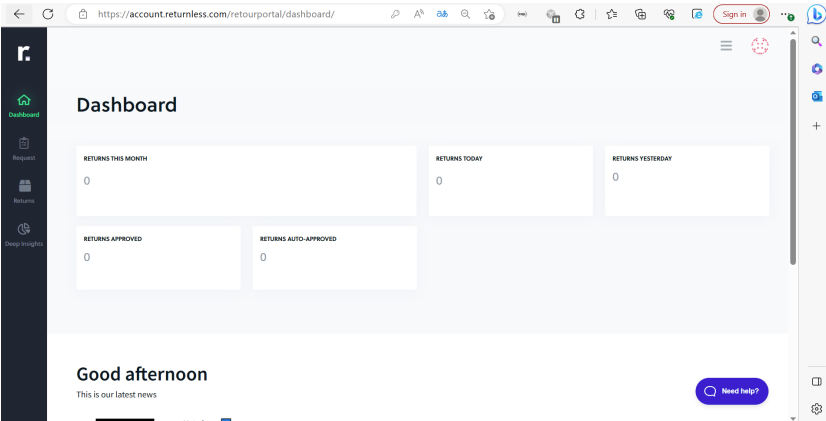
Once the account is created, you will be redirected to the Dashboard page of the Returnless portal.
3. Generate API Key
To enable API access, you need to generate an API key. Follow these steps:
Steps to Generate API Key
-
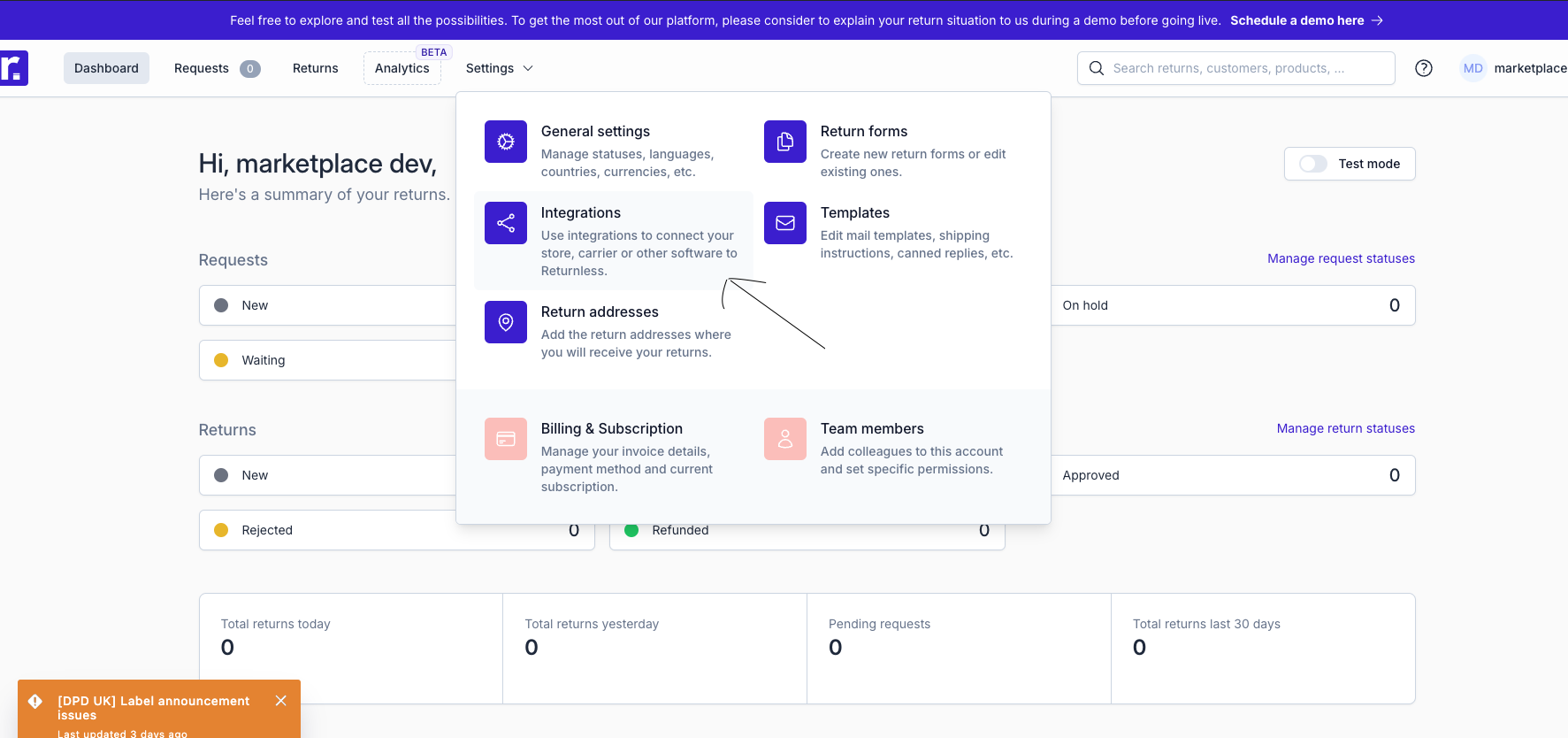
In the Returnless portal, navigate to Settings > Integrations.
-
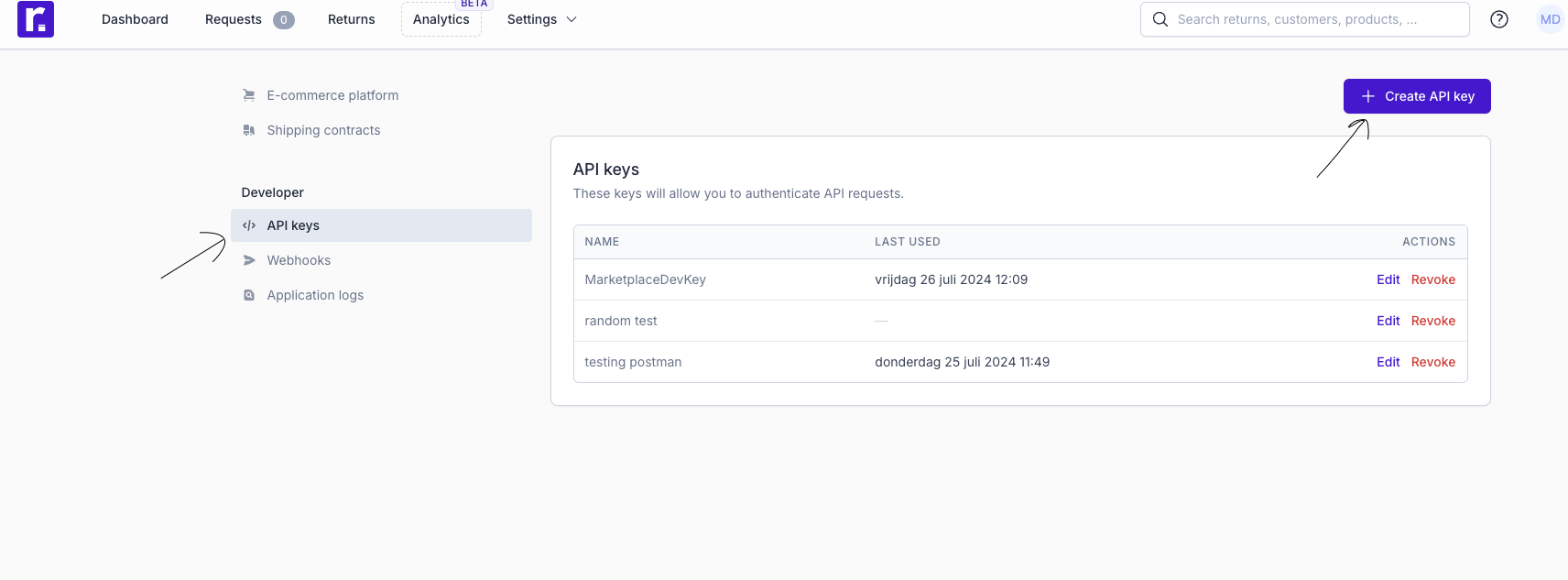
Under the Developer Settings section, click on API Keys.
-
Click on the Create API Key button.
-
Provide a descriptive name for the API key (e.g., "Marketplace Integration").
-
Click on Create API Key.
-
Copy the generated API Key (access token) and save it securely, as it will not be displayed again.
4. Share Details with the Delivery Team
Once you have the following details, share them with the delivery team:
-
API Key (Access Token)