
Description:
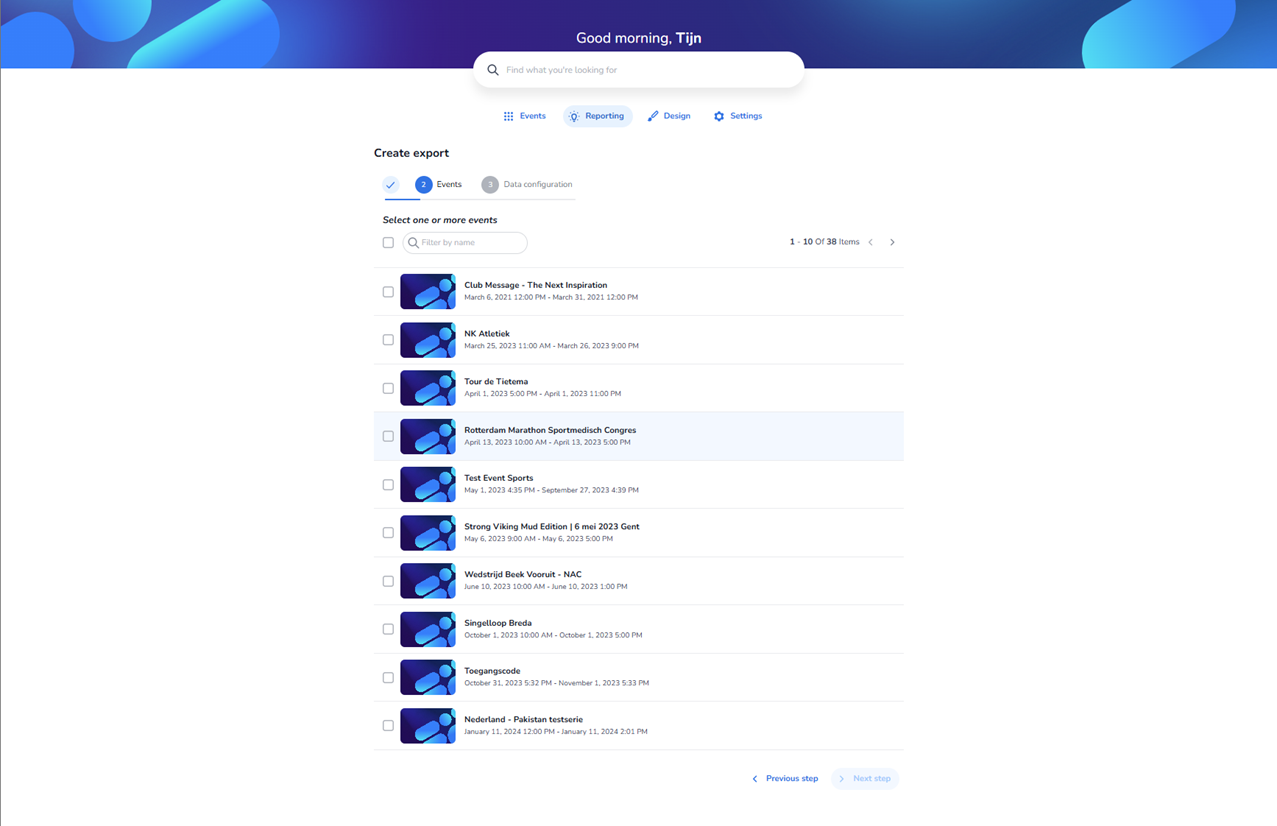
This screen displays the second step of the export wizard within the Reporting section. Step 2 (“Events”) is active in the progress indicator, following the export type selection.
The user is prompted to select one or more events from a list in order to generate the export. A search field (“Filter by name”) allows quick filtering of events. Each event is presented with:
-
A checkbox for selection
-
An event thumbnail
-
The event name
-
The event date and time range
The list supports pagination (e.g. “1 – 10 of 38 items”). One event in the list is visually highlighted, indicating it has been selected.
At the bottom of the screen, navigation buttons are available:
-
Previous step – to return to the export type selection
-
Next step – becomes actionable after selecting at least one event
Once an event is selected via its checkbox, the user can click Next step to proceed to Step 3: Data configuration.