
Description
The Settings section defines how the Entrance Management environment behaves at system level.
It contains global configuration options and operational controls that influence ticket handling, communication, and compliance.
Settings configured here apply across the organisation unless otherwise specified.
Over time, additional configuration modules may be added to this section.
Main Settings Area
The primary Settings page allows administrators to configure platform-wide behaviour such as:
-
Time configuration
-
Operational defaults
-
Feature activation
-
Compliance-related options
-
Communication controls
Changes made here affect how scanning, validation, and attendee handling operate across events.
Only users with appropriate administrative permissions should modify these settings.
Attendees Section
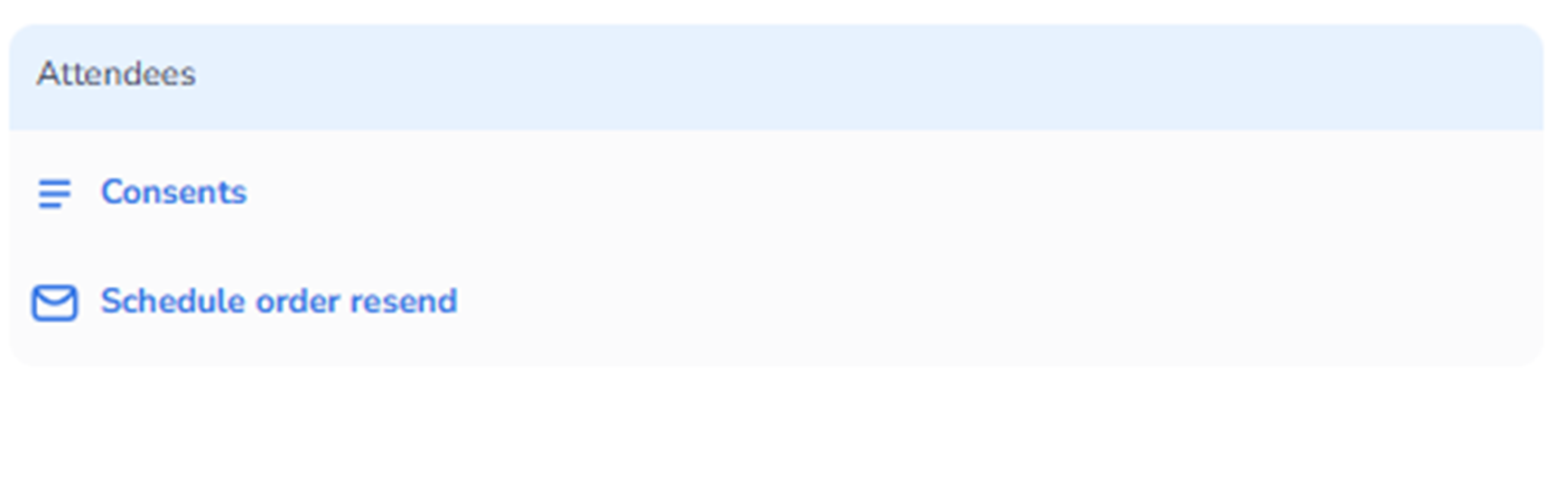
Within Settings, there is a dedicated Attendees subsection.
This area controls attendee-related configuration and communication behaviour.
It focuses on:
-
Legal compliance
-
Consent management
-
Order communication workflows
Consents
The Consents option allows administrators to manage attendee consent requirements.
This typically includes:
-
Marketing consent
-
Terms & conditions acceptance
-
Privacy consent
-
Custom consent checkboxes
Purpose:
-
Ensure compliance with data protection regulations
-
Define which consents must be collected during purchase
-
Control how attendee data may be used
Changes here influence:
-
Ticket purchase flows
-
Data collection forms
-
Reporting fields
This is especially important for GDPR and privacy compliance.
Schedule Order Resend
The Schedule order resend option controls communication workflows related to ticket orders.
This feature allows administrators to:
-
Schedule automatic re-sending of order confirmations
-
Re-send tickets to attendees
-
Trigger reminder emails before events
Use cases include:
-
Attendees who lost their ticket email
-
Reminder campaigns before event start
-
Operational support requests
This improves:
-
Customer experience
-
Operational efficiency
-
Reduced manual support handling
What This Section Controls
The Settings and Attendees configuration together influence:
-
Legal compliance
-
Communication automation
-
Attendee data handling
-
Ticket delivery reliability
-
System-wide operational behaviour
Who Should Manage This Section
Typically accessed by:
-
Platform administrators
-
Compliance officers
-
Event operations managers
-
Customer support managers
Because changes here can affect all events and attendee communication, careful configuration is recommended.