
Description
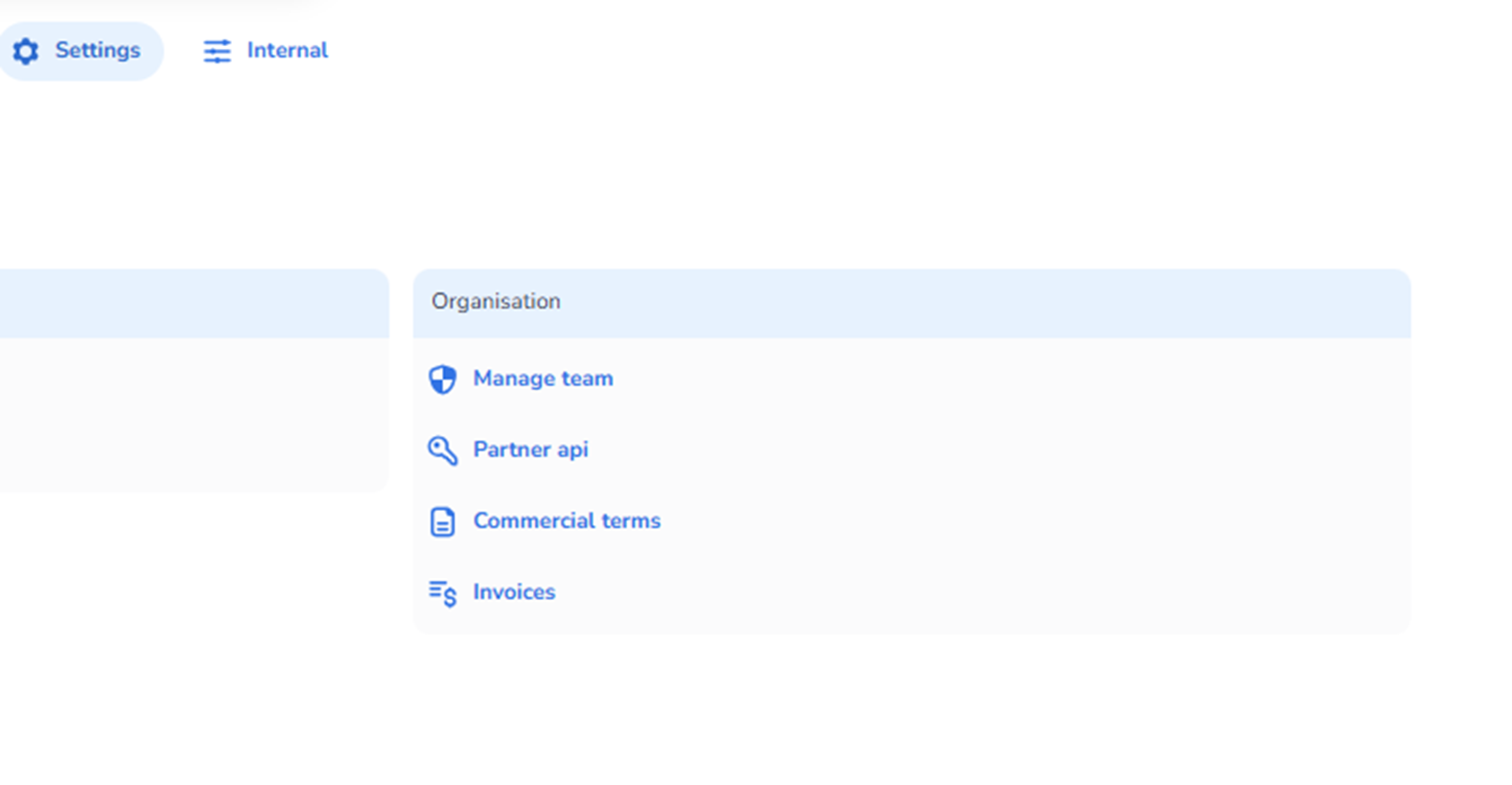
Within Settings, the Organisation section provides access to administrative and account-level configuration related to your organisation.
This area is separate from operational event configuration and focuses on:
-
Team management
-
API access
-
Commercial agreements
-
Billing and invoices
It is intended for organisational administrators and account owners.
Purpose of This Section
The Organisation section allows you to manage:
-
Who has access to the broader platform environment
-
How integrations connect via API
-
Your contractual agreements
-
Financial documentation
These settings operate at organisation level and are not event-specific.
Available Options
Manage Team
Purpose:
-
Manage organisation-level users and permissions.
-
Control who can access the broader environment.
-
Assign roles related to account management.
Typically used for:
-
Adding colleagues
-
Adjusting access rights
-
Removing access
This differs from scan-user management inside Entrance Management, as it controls higher-level account access.
Partner API
Purpose:
-
Access and manage API credentials.
-
Enable integrations with external systems.
-
Configure technical connections.
Used for:
-
Connecting ticketing systems
-
Integrating CRM or marketing tools
-
Synchronising data with external platforms
This section is primarily used by developers and technical administrators.
Commercial Terms
Purpose:
-
View the commercial agreement between your organisation and the platform provider.
-
Access pricing details, service conditions, and contractual information.
Used for:
-
Reviewing subscription plans
-
Checking service terms
-
Understanding feature entitlements
Invoices
Purpose:
-
Access billing documentation.
-
View and download invoices.
-
Monitor financial transactions related to the account.
Used for:
-
Accounting purposes
-
Financial reconciliation
-
Budget tracking
Who Should Access This Section
Typically accessed by:
-
Organisation owners
-
Financial administrators
-
Technical leads
-
Account managers
Because this section controls organisational and financial settings, access should be limited to authorized personnel.
What This Section Does Not Control
This section does not manage:
-
Events
-
Entrance plans
-
Scanning configuration
-
Ticket validation rules
Those are handled within the operational areas of the platform.