
Overview
The Add New Custom Constraint function allows users to create a new advanced validation rule within Entrance Management.
A custom constraint defines additional business logic or access restrictions that go beyond standard ticket configuration.
Constraints can later be linked to:
-
Entrance plans
-
Products
-
Ticket validation logic
-
Access control workflows
They are typically used to enforce specific rules such as promotions, special access conditions, or operational restrictions.
EM – Constraint Creation Window
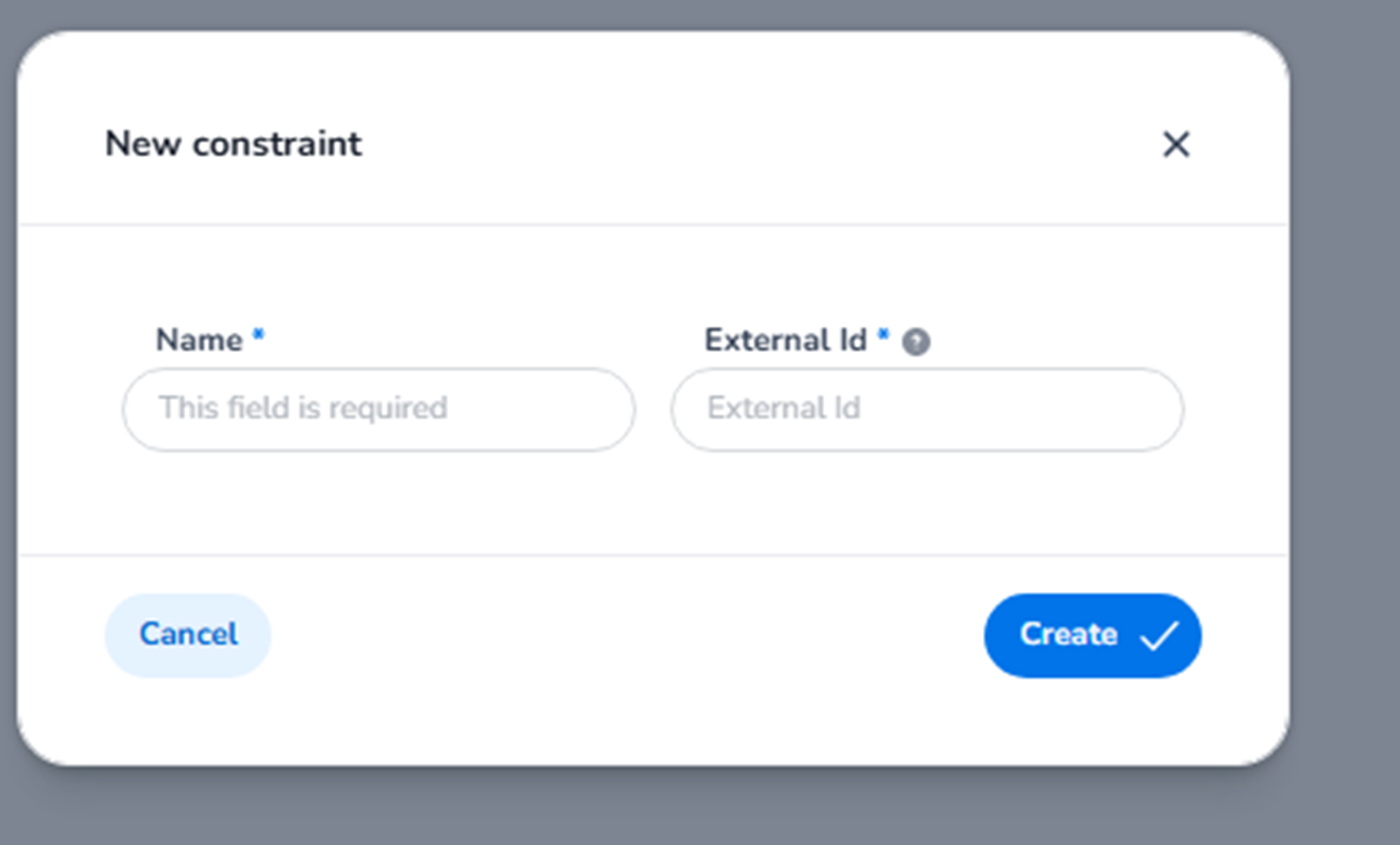
When selecting + New Constraint, a configuration window appears with the following fields:
EM – Name (Required)
Field: Name*
Purpose:
-
Defines the internal name of the constraint.
-
Identifies the rule within:
-
Entrance plans
-
Validation configurations
-
Reporting and operational workflows
-
Best Practice:
The name should clearly reflect the rule purpose.
Examples:
-
Early Bird Restriction
-
VIP Access Window
-
Staff Only Entry
-
Max Usage Per Ticket
This name is operational and helps administrators understand what the rule enforces.
EM – External ID
Field: External ID
Purpose:
-
Optional unique identifier.
-
Used for:
-
API integrations
-
External mapping
-
System synchronisation
-
Important:
This field does not define rule behaviour itself.
It ensures consistent identification across integrated systems.
EM – Action Buttons
Create
-
Saves the custom constraint.
-
Makes it available for:
-
Linking to entrance plans
-
Applying to products
-
Activating within validation logic
-
Cancel
-
Closes the window without saving changes.
EM – What This Section Controls
Custom constraints define advanced validation behaviour.
They allow organisations to:
-
Apply tailored business rules
-
Restrict ticket usage under specific conditions
-
Implement promotional or limited access logic
-
Create reusable validation components
Without constraints:
-
Validation is limited to standard product-based logic.
-
Complex access conditions cannot be enforced.
Constraints provide structured control over advanced access validation inside Entrance Management.
If you’d like, I can now also write the next layer: how constraints are linked inside Entrance Plans (rule assignment logic).