
Description
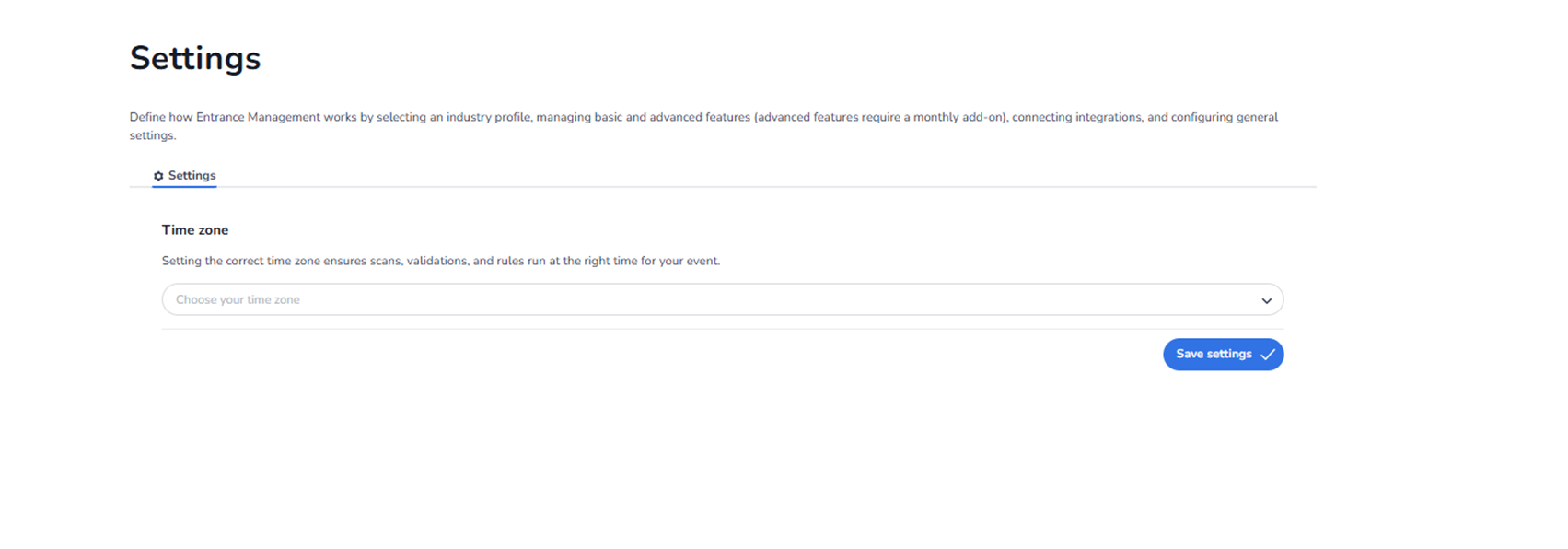
The Settings section is where you configure how the Entrance Management platform operates for your organisation.
This page controls global system behaviour. It affects how scanning, validation, and rule execution function across all events and entrance plans.
Additional configuration options may be added in the future, but currently only basic settings are available.
All selected values are organisation-specific.
Purpose of This Page
This section allows administrators to:
-
Define system-wide configuration
-
Adjust time-related behaviour
-
Control how validation rules are executed
-
Maintain consistency across events
Settings configured here apply platform-wide, not per event.
Current Available Setting
Time Zone
Description
The time zone setting ensures that:
-
Ticket validations occur at the correct time
-
Event start and end times are interpreted correctly
-
Entrance plan rules run at the intended moment
-
Scan timestamps are accurate
If the time zone is incorrect, issues may occur such as:
-
Tickets validating too early or too late
-
Scan analytics showing incorrect time data
-
Rule-based validations failing
Time Zone Dropdown
Field: Choose your time zone
Function:
-
Select the appropriate regional time zone.
-
Ensures all time-based logic aligns with the event location.
This setting should match the physical location where scanning occurs.
Save Settings Button
Primary action button.
Function:
-
Saves the selected configuration.
-
Applies changes immediately.
-
Updates system behaviour globally.
If not saved, changes will not take effect.
Future Settings
Although only the time zone setting is currently visible, this section is designed to support additional configuration options in the future, such as:
-
Industry profiles
-
Advanced validation features
-
Integration connections
-
Feature toggles
-
Add-on modules
-
General scanning behaviour controls
These settings would expand how the platform operates without requiring event-level adjustments.
Who Should Access This Section
Typically used by:
-
System administrators
-
Platform owners
-
Technical managers
Because these settings affect all events and scanning behaviour, access should be restricted to authorized personnel.
What This Section Controls
Global platform behaviour
Time-based validation logic
System-wide configuration
It does not control:
-
Individual event configuration
-
User-level permissions
-
Entrance plan rules
Those are managed in their respective sections.