
Description
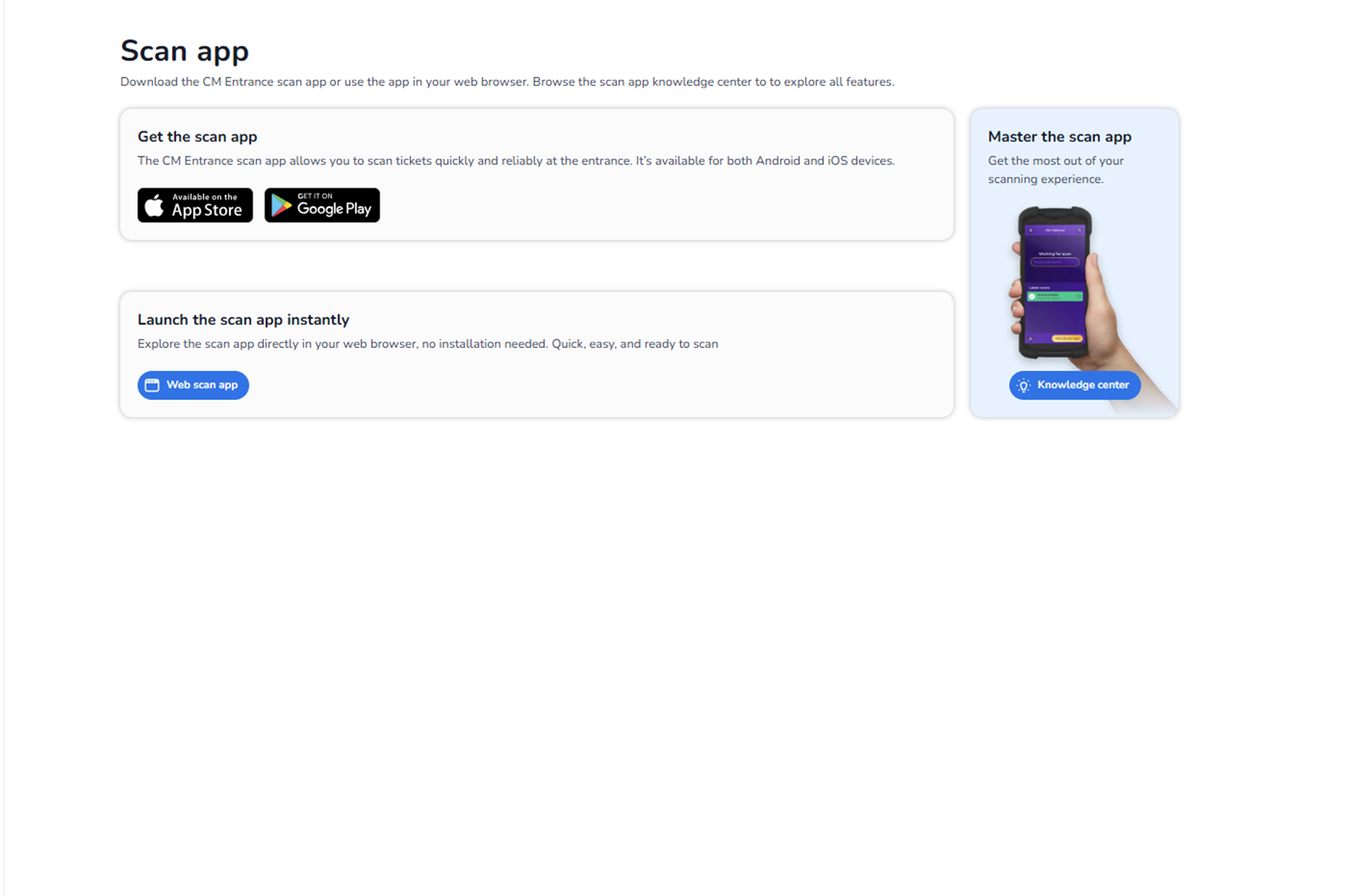
The Scan app section provides access to the CM Entrance scanning application. This is where users can download, launch, or learn more about the scanning solution used at event entrances.
This page connects configuration (back office) with operational execution (live ticket scanning).
It enables staff to scan tickets either:
-
Via the mobile app (iOS or Android)
-
Directly in a web browser (Web scan app)
Purpose of This Page
This section allows you to:
-
Download the official scan application
-
Launch the web-based scan interface
-
Access documentation and feature explanations
-
Prepare scanning staff before an event
It is primarily used by:
-
Scan users
-
Event staff
-
Operations managers
Main Sections on This Page
Description
The Scan App section provides access to the scanning tools used to validate tickets at event entrances. From this page, users can download the official scan application for mobile devices or launch the web-based scan app directly in the browser.
This page connects the event configuration in the platform with the actual ticket scanning process during the event.
Download the Scan App
Users can download the official CM Entrance Scan App for mobile devices.
App Store (iOS)
Download the scan app for iPhone or iPad from the Apple App Store.
Google Play (Android)
Download the scan app for Android phones or tablets via Google Play.
The mobile scan app is used by event staff to scan ticket barcodes and validate tickets at the entrance.
Launch the Web Scan App
In addition to the mobile app, users can also start the Web Scan App directly from this page.
The Web Scan App opens in the browser and allows users to scan tickets without installing an application. This option is useful when scanning from laptops or devices where installing apps is not possible.
Logging In to the Scan App
After downloading or launching the scan app, users must log in with their scan user credentials. These credentials are assigned in the platform and determine which events and entrance plans the user can access.
Once logged in, scan staff can start validating tickets in real time during the event.
What the Scan App Is Used For
The scan app allows staff to:
-
Scan ticket barcodes
-
Validate tickets at the entrance
-
Track check-ins and check-outs
-
Apply entrance plan rules
-
Monitor scanning activity during the event
It is primarily used by event staff, entrance teams, and operations managers to manage ticket validation during live events.
Important
Access to scanning depends on:
-
User role (Scanning role required)
-
Assigned entrance plans
-
Event configuration
Without proper role permissions, scanning access may be limited.