
Overview
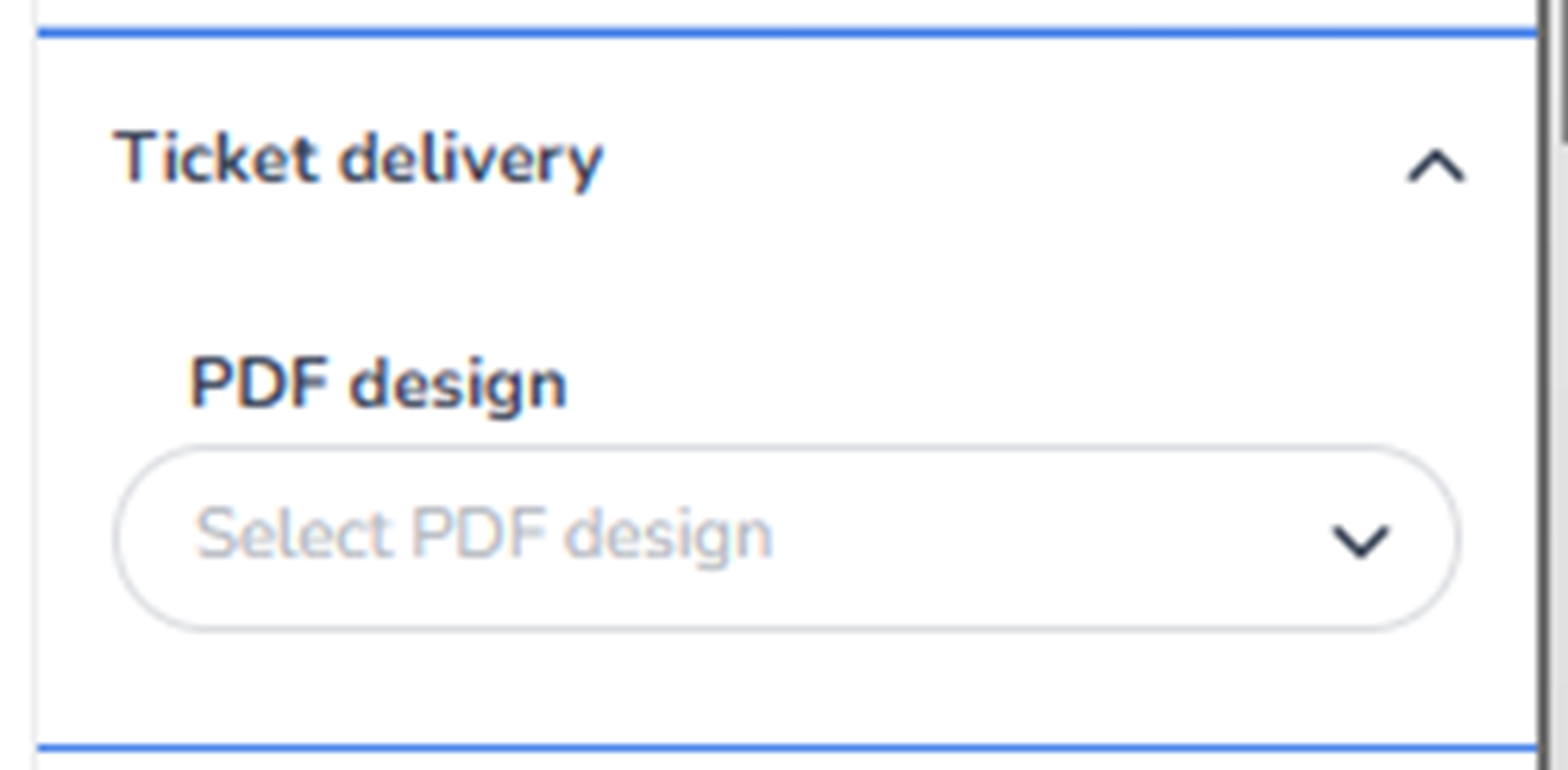
This section appears in the right-side ticket detail panel under Ticket delivery when a ticket is selected.
It controls how the ticket is delivered to the customer after purchase.
This section determines the PDF ticket design that will be used when generating the ticket file.
It focuses on ticket output format and visual layout.
What You See in This Section
-
PDF Design
Field label: PDF design
Dropdown: Select PDF design
Purpose:
-
Choose which PDF template is used when the ticket is generated.
-
Define the visual layout and branding of the ticket file.
This controls:
-
Logo placement
-
Event branding
-
Layout structure
-
Text positioning
-
QR or barcode placement
-
Terms and conditions display
If no PDF design is selected:
-
A default template may be used (depending on platform configuration).
What This Section Actually Controls
Ticket Delivery controls:
-
The visual format of the ticket PDF
-
Branding consistency
-
Customer-facing ticket layout
It determines how the digital ticket looks when:
-
Sent via email
-
Downloaded from the confirmation page
-
Stored in customer accounts
It does NOT control:
-
Sales strategy
-
Pricing
-
Capacity
-
Pool allocation
-
Marketing tracking
It strictly defines the output format of the ticket.
Important Considerations
-
The selected PDF design should align with event branding.
-
Changes to the PDF design affect future ticket downloads.
-
Consistency across ticket types improves professional presentation.
-
QR or barcode positioning must remain functional for scanning systems.
Incorrect template selection may result in:
-
Inconsistent branding
-
Confusing ticket layout
-
Scanning issues if misconfigured
Functional Summary
Within Ticketing → Tickets → Inventory → Ticket Detail → Ticket Delivery, the user can:
-
Select a PDF design template
-
Control ticket layout and branding
-
Define how the ticket file appears to customers
This section influences:
-
Customer ticket experience
-
Branding consistency
-
Operational scanning reliability
It is responsible for the visual output and delivery format of the generated ticket.