
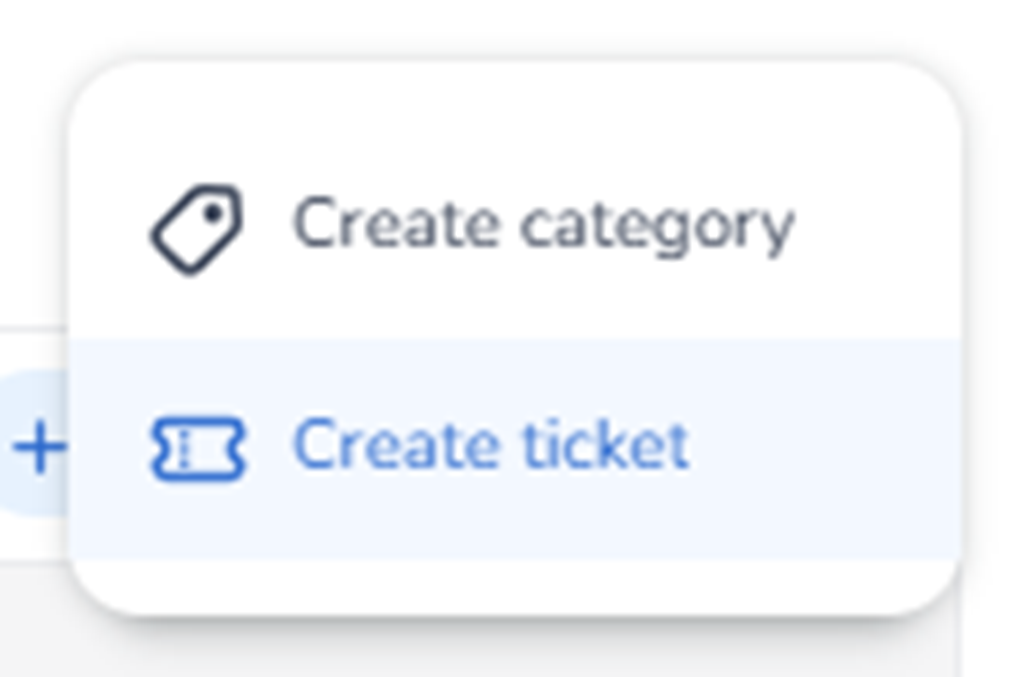
When clicking the + Create button in the Inventory tab, a dropdown menu appears instead of immediately starting a ticket flow.
The dropdown contains two options:
-
Create category
-
Create ticket
Create category
Purpose:
-
Creates a new ticket category/group within the inventory.
-
Used to organise ticket types structurally.
-
Allows grouping tickets (e.g., Regular, VIP, Early Bird, etc.).
Impact:
-
Affects how tickets are displayed and structured.
-
Helps organise large ticket inventories.
-
Does not directly create a sellable ticket — only the grouping container.
Create ticket
Purpose:
-
Starts the ticket creation flow.
-
Creates a new ticket type inside a selected or default category.
Impact:
-
Creates a sellable ticket object.
-
Enables further configuration such as pricing, availability, and allocation (configured in later steps/modules).
Important For The Agent
The + Create button does not directly create a ticket.
The agent must:
-
Recognise that a dropdown appears.
-
Select the correct action based on intent:
-
Structural organisation → Create category
-
New sellable ticket → Create ticket
-
This distinction is important because categories structure the inventory, while tickets represent actual sellable units.