
Overview
The Automation rules section allows users to define automatic behaviours within a specific shop.
These rules enable the system to:
-
Automatically add tickets
-
Apply dependencies
-
Trigger logic based on selections
-
Enforce structured purchase flows
Instead of relying on manual configuration by the buyer, automation rules control how products interact during the ordering process.
This section is used to streamline the checkout logic and reduce configuration errors.
What You Can Do Here
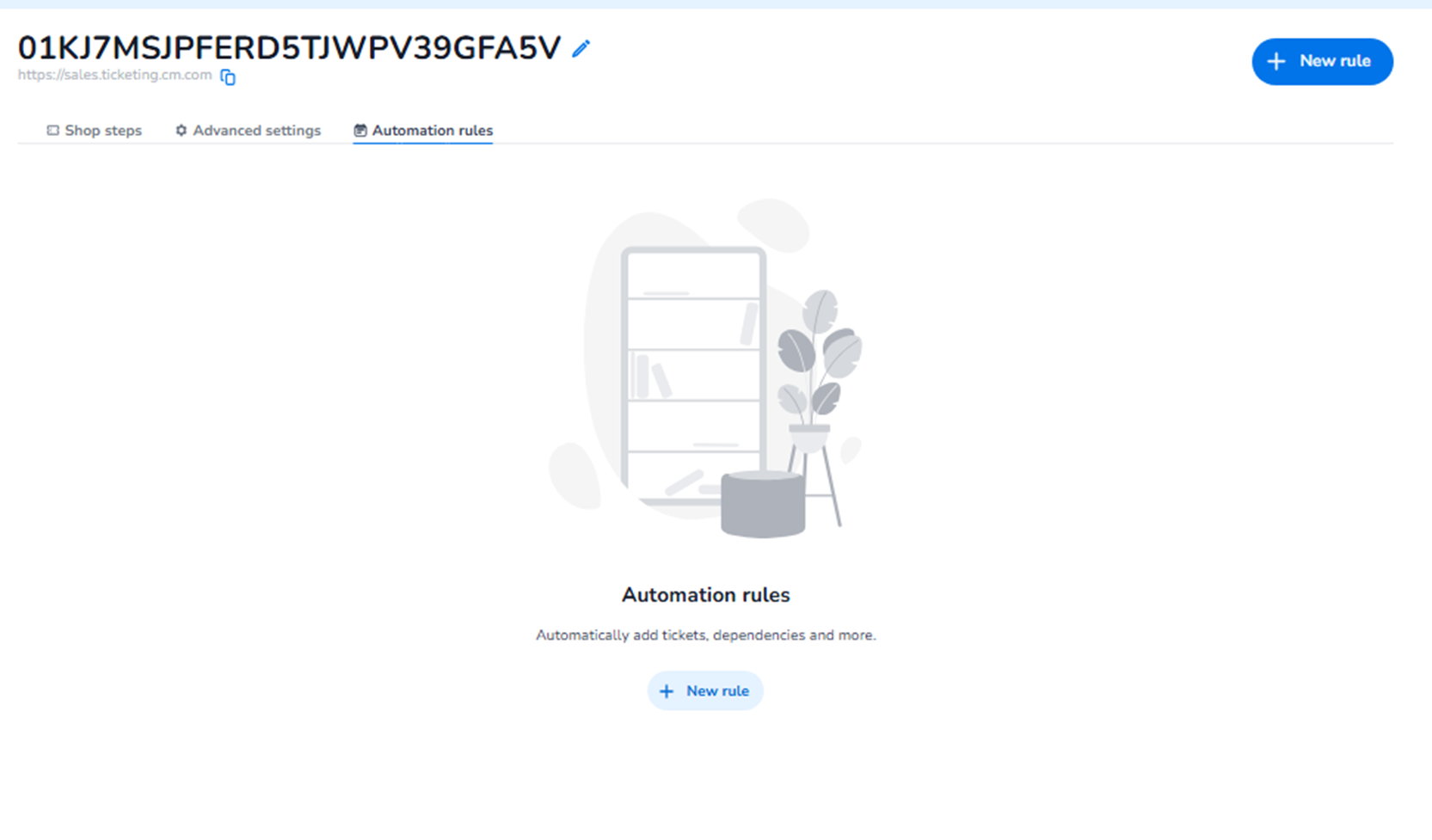
If no rules have been created yet, the page shows an empty state with:
-
A central informational message
-
A + New rule button
This indicates that no automation logic is currently active in the shop.
+ New Rule
What it does:
Starts the automation rule configuration flow.
Why use it:
To create structured logic such as:
-
Automatically adding a mandatory product
-
Enforcing product combinations
-
Creating product dependencies
-
Adding upsell logic during selection
-
Controlling how tickets are bundled
How it works:
-
Click + New rule
-
Define the trigger condition
-
Define the action that should happen
-
Save the rule
Once saved, the rule is active within that shop.
What Automation Rules Typically Control
Automation rules can:
-
Automatically add required add-ons
-
Ensure compliance products are included
-
Link parking tickets to specific ticket types
-
Add service fees automatically
-
Enforce bundled ticket logic
-
Create conditional product relationships
They operate within the shop context only.
Why This Section Matters
Automation rules:
-
Reduce manual configuration by buyers
-
Prevent invalid ticket combinations
-
Enforce business logic
-
Increase operational control
-
Improve checkout accuracy
-
Reduce customer support cases
Without automation rules:
-
Buyers may forget required add-ons
-
Invalid combinations may be purchased
-
Manual correction may be needed
Automation rules provide structured purchase behaviour within the shop.
Scope Clarification
Automation rules do NOT control:
-
Event capacity
-
Pricing structure
-
Payment methods
-
Entrance validation
They control:
-
Product interaction logic inside the shop
When to Use Automation Rules
Use this section when you need:
-
Mandatory add-ons
-
Conditional product logic
-
Smart bundling
-
Automatic product linking
-
Controlled purchase flows
This section is typically used by:
-
Ticketing administrators
-
Event operations teams
-
Commercial managers