
Overview
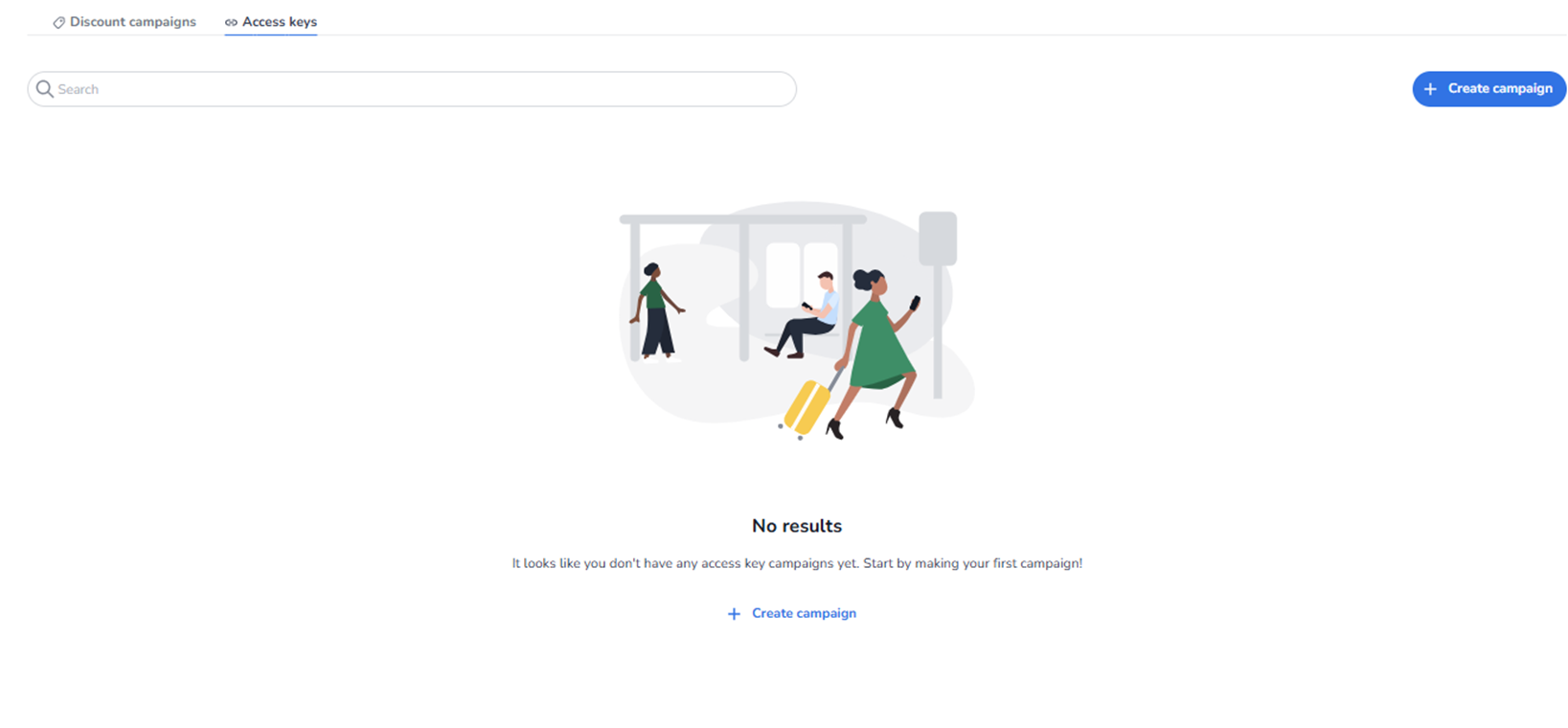
This screen appears when the user navigates to Ticketing → Promotions → Access keys.
Access keys are used to control visibility or availability of specific tickets via a code.
Unlike discount campaigns, access keys do not necessarily apply a price reduction.
They are typically used to:
-
Unlock hidden tickets
-
Provide early access
-
Restrict access to specific audiences
-
Control private sales flows
What You See in This Section
Page Title
Promotions
With the Access keys tab selected.
At the top, two tabs are visible:
-
Discount campaigns
-
Access keys (active)
Switching between tabs changes the promotion type being managed.
Top Section – Search & Actions
-
Search Bar
Field: Search
Purpose:
-
Search for existing access key campaigns.
-
Quickly locate a specific campaign by name or identifier.
-
Primary Action Button
Button: + Create campaign
Purpose:
-
Start the creation flow for a new access key campaign.
-
Define a new controlled access setup.
This is the main entry point for creating access-based promotions.
Access Keys List Area
Empty State (No Data Yet)
If no access key campaigns exist, the screen displays:
Message: No results
Supporting text:
“It looks like you don’t have any access key campaigns yet. Start by making your first campaign!”
Button: + Create campaign
Purpose:
-
Guide the user to create their first access key campaign.
-
Provide a clear call-to-action.
When Data Exists
If access key campaigns have been created:
-
They will be displayed in this overview.
-
Each campaign appears as a clickable row.
-
You can open and edit existing campaigns.
The list may include:
-
Campaign name
-
Status (active/inactive)
-
Linked tickets
-
Validity period
-
Usage metrics
What This Section Actually Controls
The Access Keys overview controls:
-
Creation of access key campaigns
-
Management of private ticket access
-
Visibility logic tied to specific codes
-
Editing of existing access rules
It influences:
-
Ticket visibility in shops
-
Controlled sales access
-
Early access strategies
-
Restricted partner or VIP flows
It does NOT directly control:
-
Ticket pricing (unless combined with discount logic)
-
Pool capacity
-
Shop design
-
Marketing tracking configuration
It governs access-based visibility and availability logic.
Important Considerations
-
Access keys can restrict which customers see specific tickets.
-
Incorrect configuration may unintentionally hide tickets.
-
Access key campaigns must be active to function.
-
They are often used for pre-sales or partner-only access.
If no campaigns are configured:
-
No access-based restrictions apply.
Functional Summary
Within Ticketing → Promotions → Access keys, the user can:
-
View existing access key campaigns
-
Search campaigns
-
Create new access key campaigns
-
Edit or manage active campaigns
When access key data exists, it will be displayed here for management.
This section influences:
-
Ticket visibility control
-
Private sales strategy
-
Audience segmentation
-
Controlled access mechanisms
It is the management interface for access-based promotional logic within the event.