
Overview
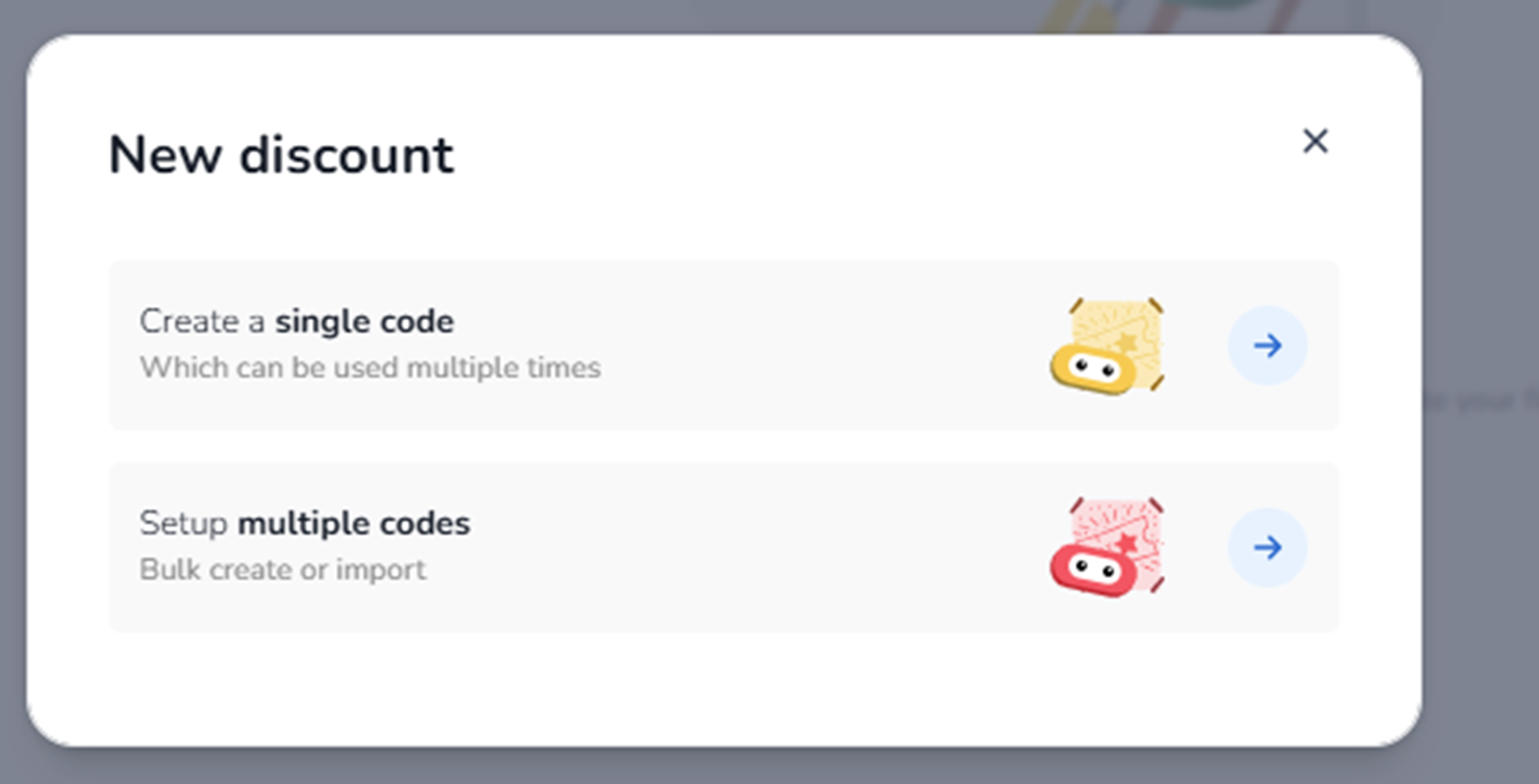
This modal appears when the user clicks + Create discount inside Ticketing → Promotions → Discount campaigns.
It is the first step in creating a new discount campaign.
The user must choose how the discount codes will be structured:
-
A single reusable code
-
Multiple unique codes (bulk setup or import)
This screen determines the discount configuration type before entering detailed setup.
What You See in This Screen
Modal Title
New discount
Top-right corner:
-
X (close icon) → Closes the modal without creating a discount.
Discount Type Options
-
Create a single code
Description shown:
“Create a single code
Which can be used multiple times”
Purpose:
-
Create one reusable discount code.
-
Multiple customers can use the same code (depending on usage limits configured later).
Typical use cases:
-
Public promo campaigns
-
Newsletter discounts
-
Social media promotions
-
General marketing campaigns
Impact:
-
One code shared across users.
-
Usage limits and conditions configured in the next step.
Selecting this option proceeds to detailed discount configuration.
-
Setup multiple codes
Description shown:
“Setup multiple codes
Bulk create or import”
Purpose:
-
Create many unique discount codes at once.
-
Each code can be individually distributed.
Typical use cases:
-
Influencer campaigns
-
Partner allocations
-
VIP invitations
-
Unique personal discount codes
Impact:
-
Each customer receives a different code.
-
Codes can be generated automatically or imported via file.
Selecting this option proceeds to the bulk configuration flow.
What This Screen Actually Controls
This screen controls:
-
The structure of the discount campaign
-
Whether codes are shared or unique
-
The technical setup path for the promotion
It does NOT:
-
Define discount percentage or amount (configured next)
-
Set validity dates
-
Assign tickets
-
Configure usage limits
It only determines the discount code strategy.
Important Considerations
-
Single code is simpler and suited for broad campaigns.
-
Multiple codes provide better tracking per user or partner.
-
Bulk codes require structured management and possibly import files.
Choosing the correct structure is important for:
-
Campaign tracking
-
Code distribution strategy
-
Fraud prevention
-
Usage monitoring
Functional Summary
Within Ticketing → Promotions → Create discount, the user can:
-
Choose between a reusable single code
-
Or bulk-generated/imported multiple codes
This selection influences:
-
Campaign structure
-
Code distribution model
-
Usage tracking approach
It is the decision point that defines how the discount campaign will operate.